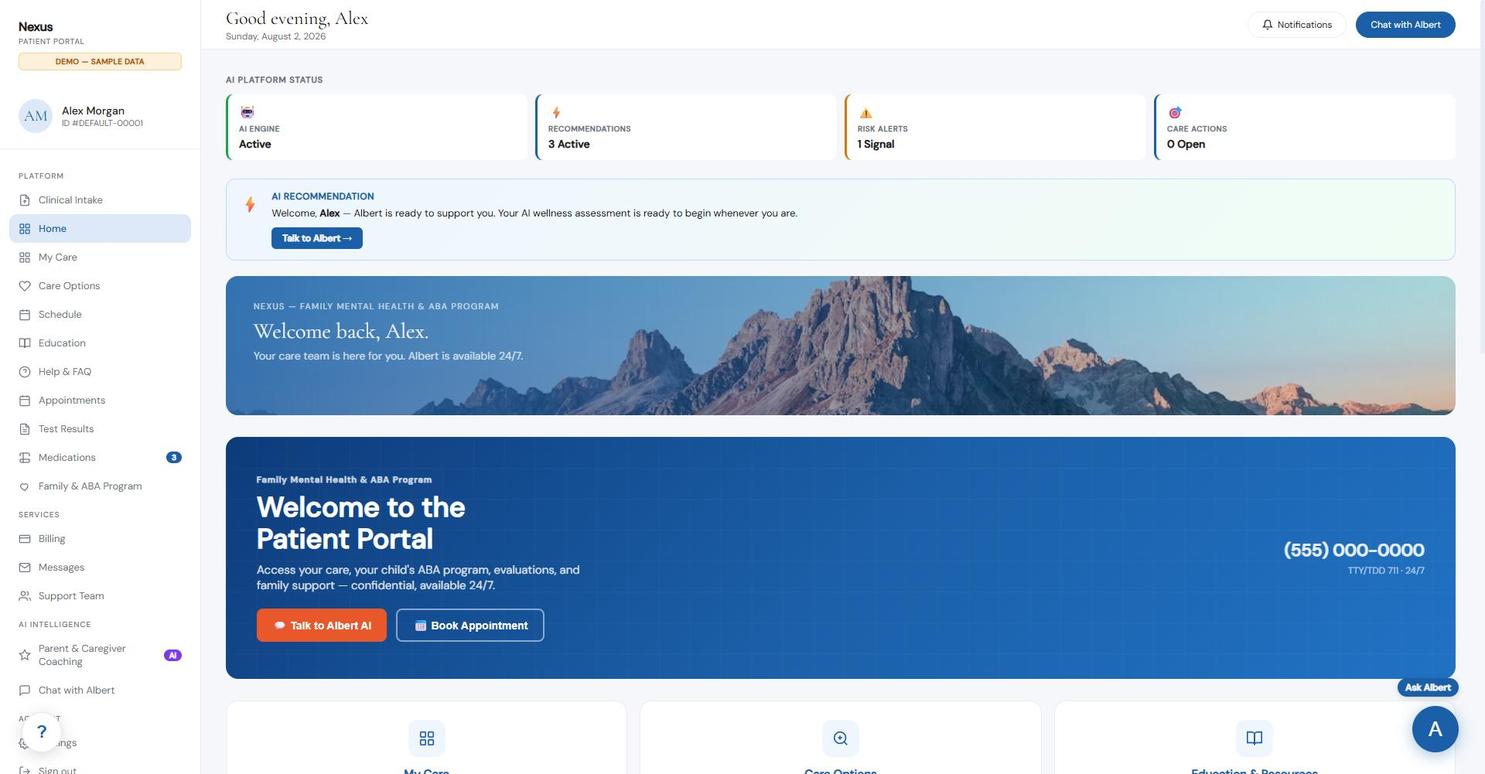
Member Portal
Scheduling, secure messaging, records, intake, and billing in one place your members actually use — on any device.
Behavioral health organizations need AI infrastructure that works under their identity — not someone else's. Nexus is built from deployed behavioral-health portal and AI-assistance workflows, configurable under any organization's brand.
A branded sandbox can be configured quickly. Production timelines depend on your identity, data, integration, and compliance requirements.
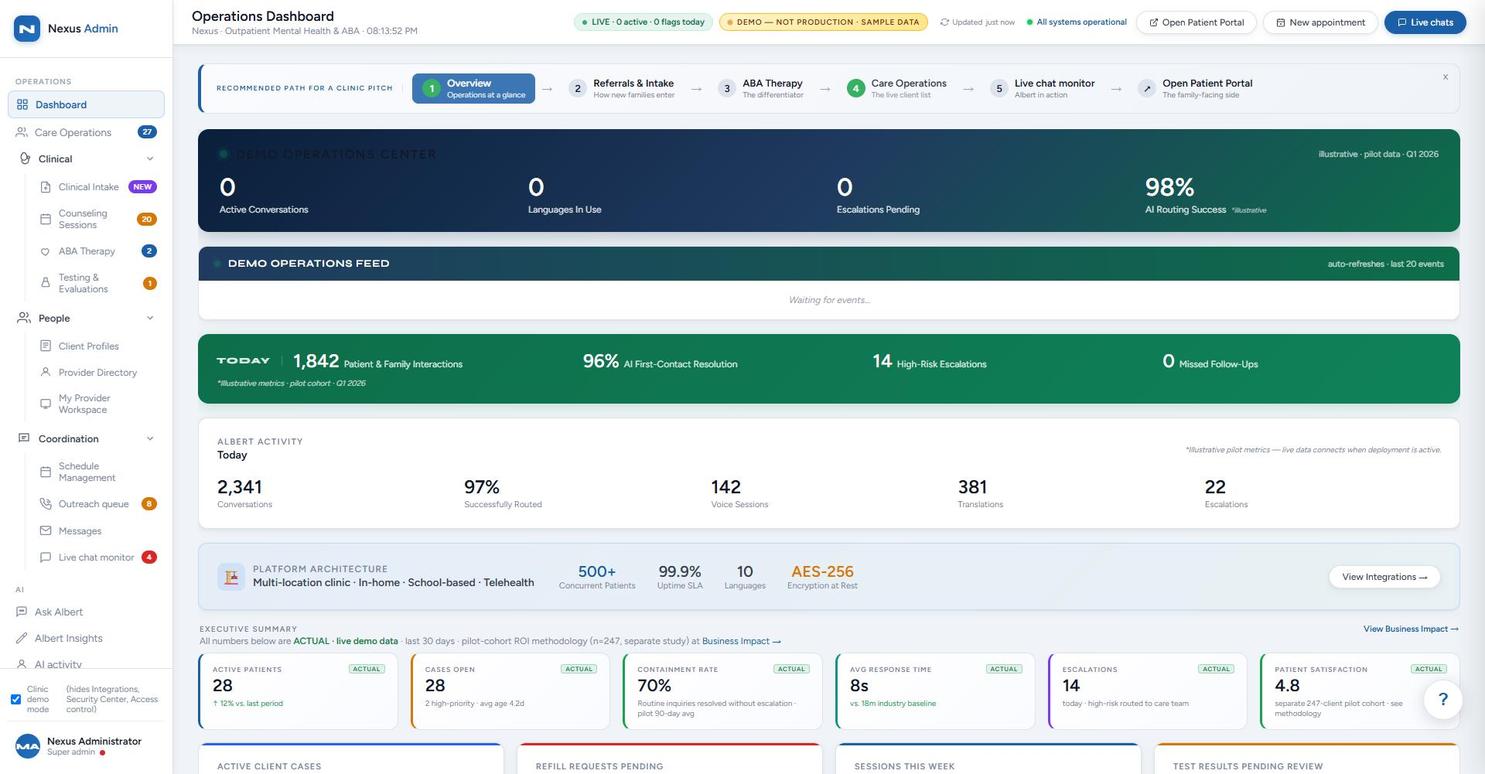
Scheduling, secure messaging, records, intake, and billing in one place your members actually use — on any device.
Case intake review, treatment tracking, provider scheduling, and executive KPIs — configurable per client.
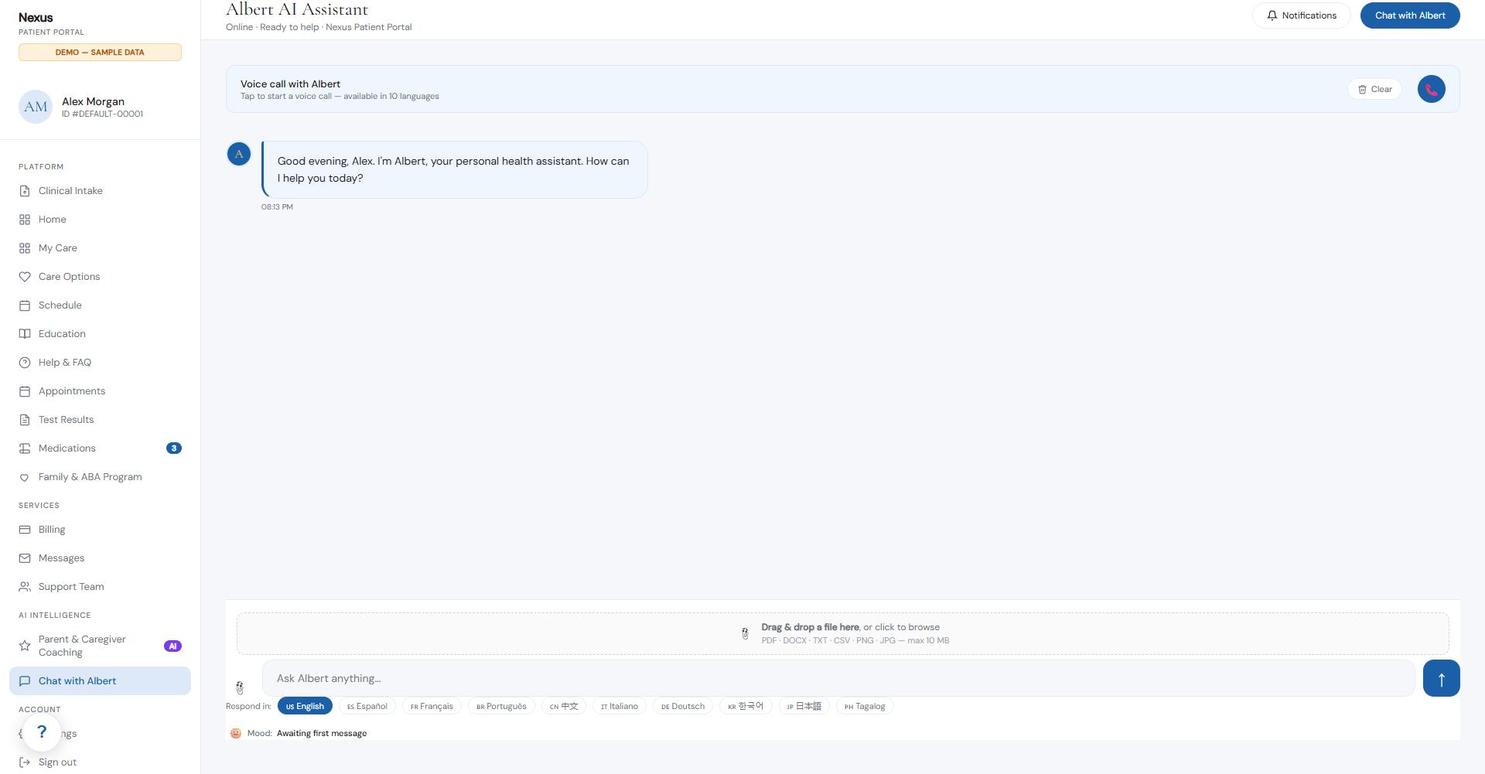
A 24/7 conversational assistant for members and staff, by chat and voice, in 10 languages — consent-gated and audit-logged.
When outreach happens outside business hours — evenings, weekends, the 2 AM moment someone finally decides to ask for help — Albert answers every time, applies configurable risk-based routing, and hands staff a complete record in the morning.
Text chat and voice calls in the member portal, with file attachment support and per-conversation language selection.
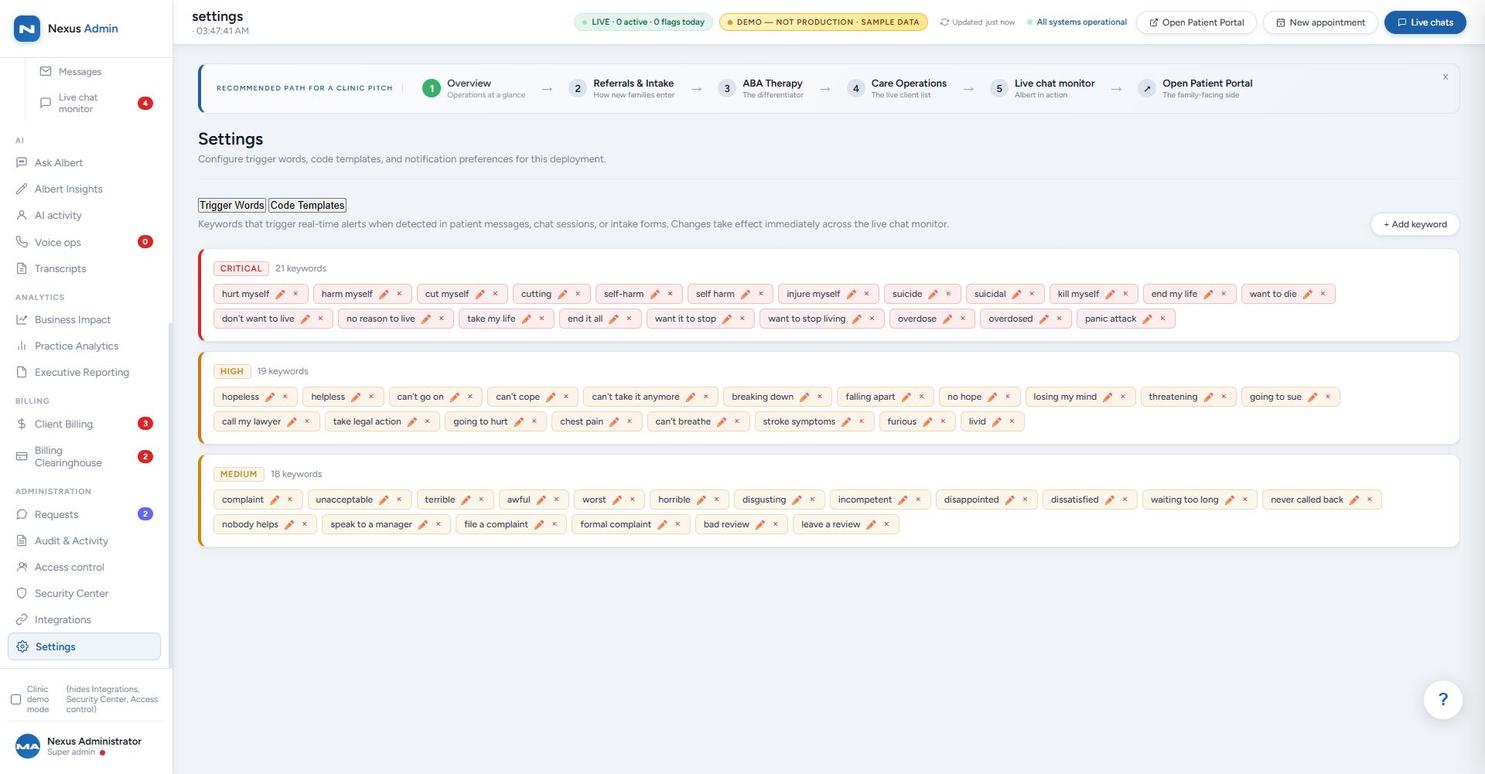
Demonstrated in sandboxReal-time keyword detection across chat, messages, and intake forms — 58 configured keywords in three severity tiers, with configurable routing to your crisis line.
Demonstrated in sandboxProvider matching and appointment scheduling from inside the conversation, tied to the same calendar staff manage in Schedule Management.
Illustrative dialogueConsent-gated clinical intake with a 5-step flow — consent, demographics, referral, concern, screening — feeding the staff triage queue.
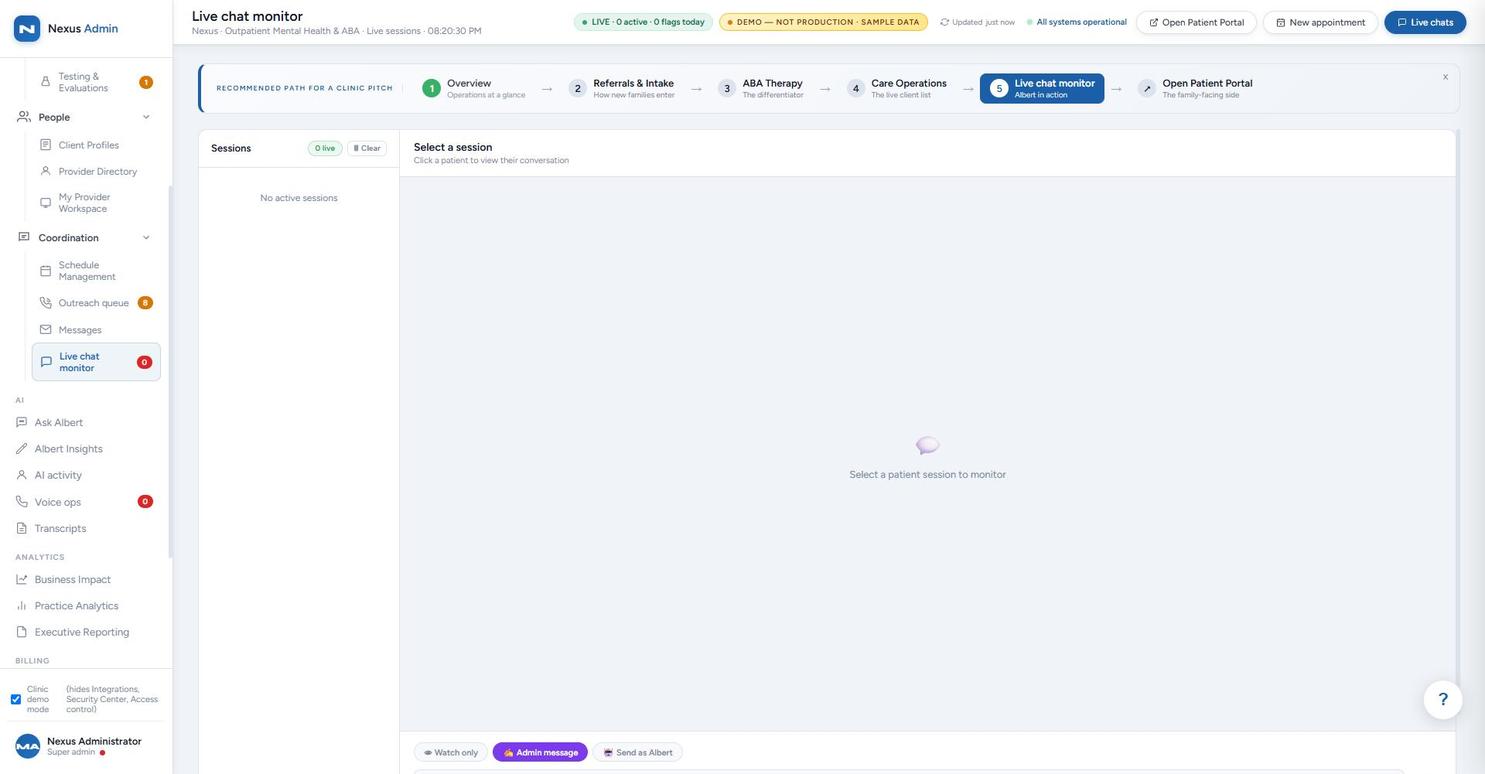
Demonstrated in sandboxEvery AI conversation is visible in the Live Chat Monitor — staff can watch silently, reply as themselves, or send as Albert with guidance.
Demonstrated in sandboxAsk Albert answers your team's operational questions — protocols, provider availability, at-risk client summaries, drafting outreach — from program data.
Demonstrated in sandboxIntegration-ready API and webhook framework — connectors scoped per deployment. Most organizations don't want to rip out the billing system, CRM, or EHR they've already invested in and trained staff on. Nexus is built to work standalone, but its real strength is as an integration layer: your team keeps working in fewer places, because the tools they already rely on connect into Nexus instead of living in separate tabs.
The goal is a single hub, not another tab to check: sales leads, billing and clearinghouse data, clinical records, and reporting can all flow into one place — through data import or a live API connection, regardless of which software they're coming from — so Albert's AI intelligence has the full picture and staff stop switching between five different logins to get one answer. The systems named below are integration targets our API and webhook layer is built to support, not pre-connected today — each one is a scoped project sized to your environment.
CRM records and lead data imported or synced in via API, so outreach and referral history sit alongside clinical and billing context instead of in a separate sales tool.
Scoped per integrationExisting accounting and claims data connects into the same Client Billing and Billing Clearinghouse screens already live in the Operations Console — not a second billing system to reconcile against.
Demonstrated in sandboxRead access into existing EHR/clinical systems, feeding the same client chart staff already work from, rather than asking anyone to double-enter records.
Scoped per integrationImported data feeds the same Practice Analytics, Business Impact, and Executive Reporting views — one reporting layer across every source system, not a report per app.
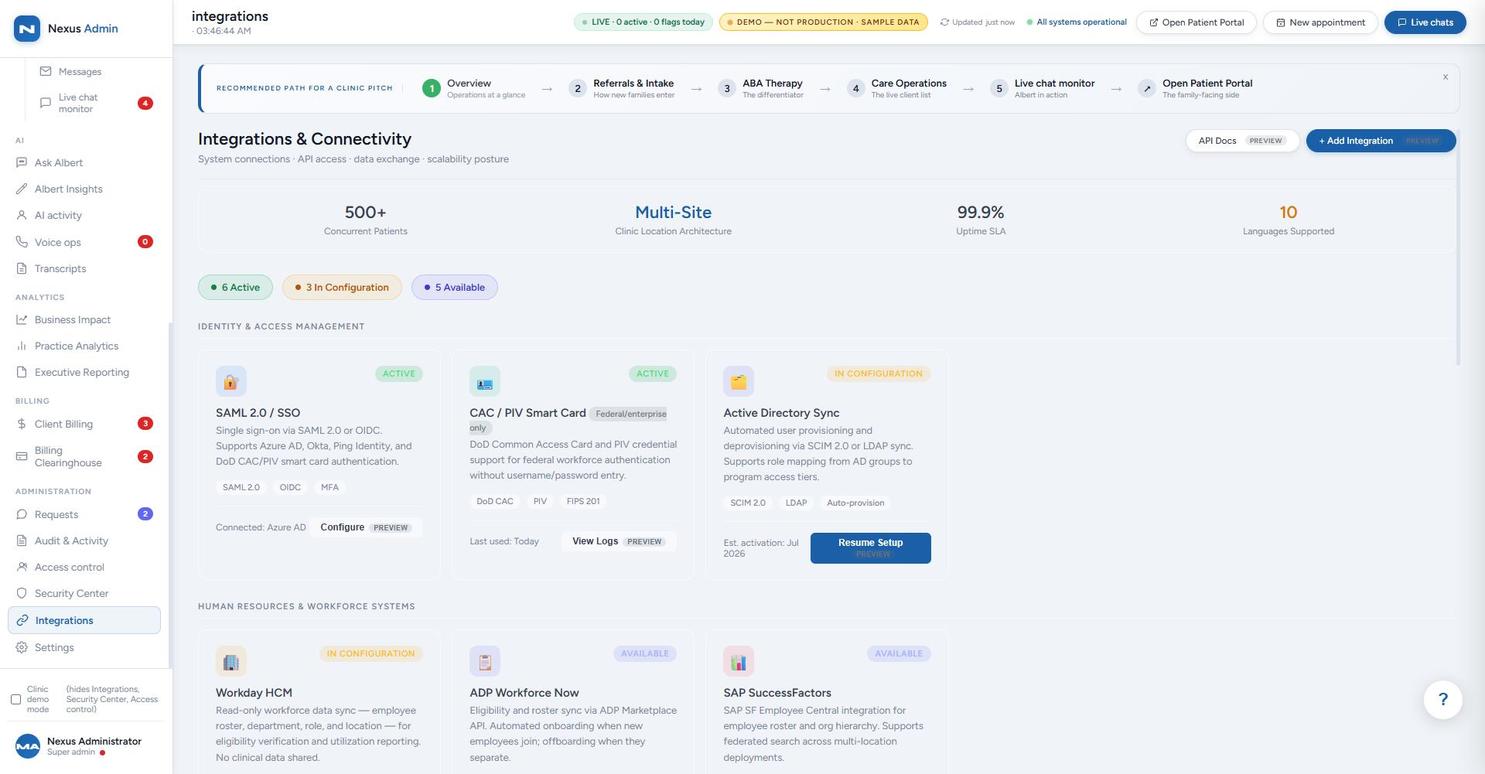
Demonstrated in sandboxSSO via SAML/OIDC is active in the sandbox today. CAC/PIV smart-card auth is configured for federal/enterprise use. Workforce data sync (Active Directory, Workday, ADP, SAP SuccessFactors) is shown as a configuration panel — each connector is scoped and activated per deployment, not pre-connected.
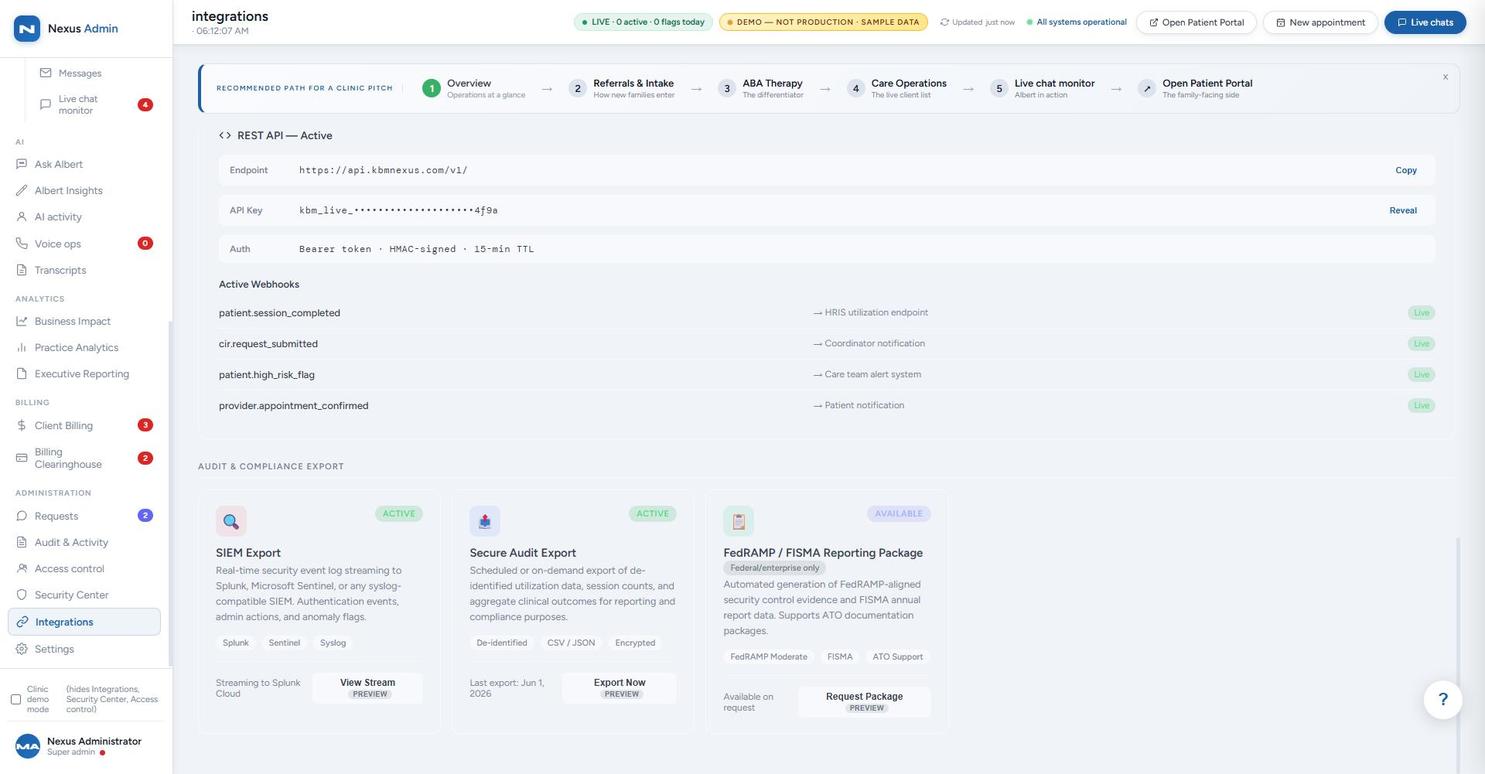
Demonstrated UI / integration-readyEvent streaming to SIEM platforms (Splunk, Microsoft Sentinel) is designed into the same integrations layer shown here. Treat this as integration-ready, not an already-live feed — we'll confirm exact scope and events in a security/implementation brief.
Demonstrated UI / integration-readyThe platform ships with a live REST API and a webhook framework — demonstrated in the Operations Console — that already pushes events (session completions, high-risk flags, appointment confirmations) to external endpoints in real time, and the same layer supports pulling data in. That's what makes custom connections possible: in a walkthrough with a prospective federal client, the question came up directly — could Nexus connect to QuickBooks for accounting, or Salesforce for CRM? The answer is yes: those aren't pre-built, off-the-shelf connectors today, but the API, webhook, and import layer that's already live is exactly what a bespoke integration to QuickBooks, Salesforce, or any other system your organization runs on is built against. We scope the specific integration to your existing tools and data rather than asking you to replace them.
The entire portal reskins per tenant in minutes. Your members see your practice, not ours. KBM Nexus stays in the background as your technology partner.
"display_name": "Acme Behavioral Health"
"logo_text_html": "Acme<b>Care</b>"
"hero_title_html": "Your Wellness Portal"
"crisis_line": "1-800-ACME-EAP"
One JSON file per organization. No forked code, no six-month build.
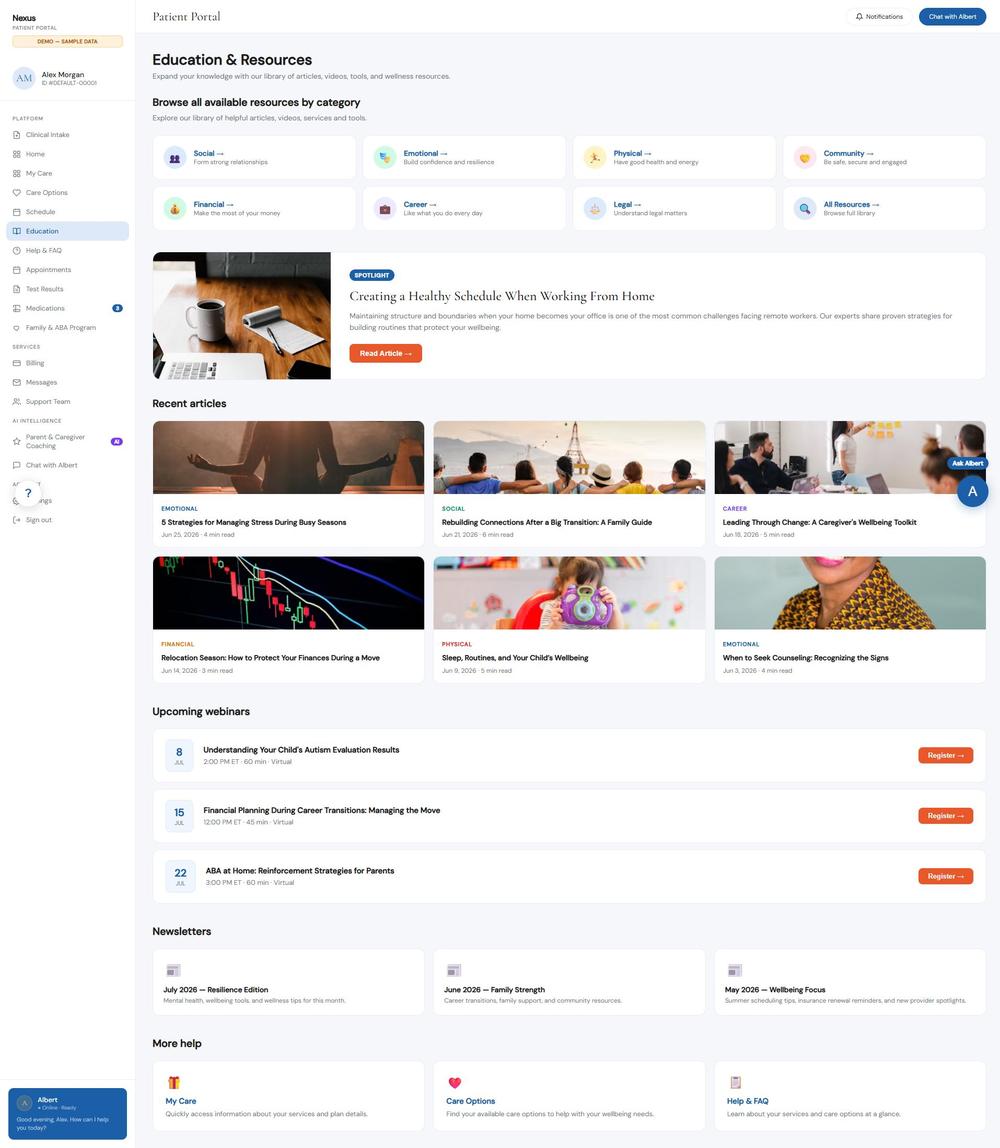
Representative screens from a configured demonstration environment — the member-facing side of the platform, under your brand. For the staff side, see the Operations Console below.
Every tile and section below is designed to be configurable. Nothing here is meant to be fixed — tiles, cards, and entire sections can be added, removed, reordered, or hidden per organization. If a client doesn't offer medication tracking or ABA therapy, that tile isn't part of their build. Per-tenant branding is demonstrated directly in the JSON config example below; see Editable, Not Just Viewable for how staff actually add notes and request changes.
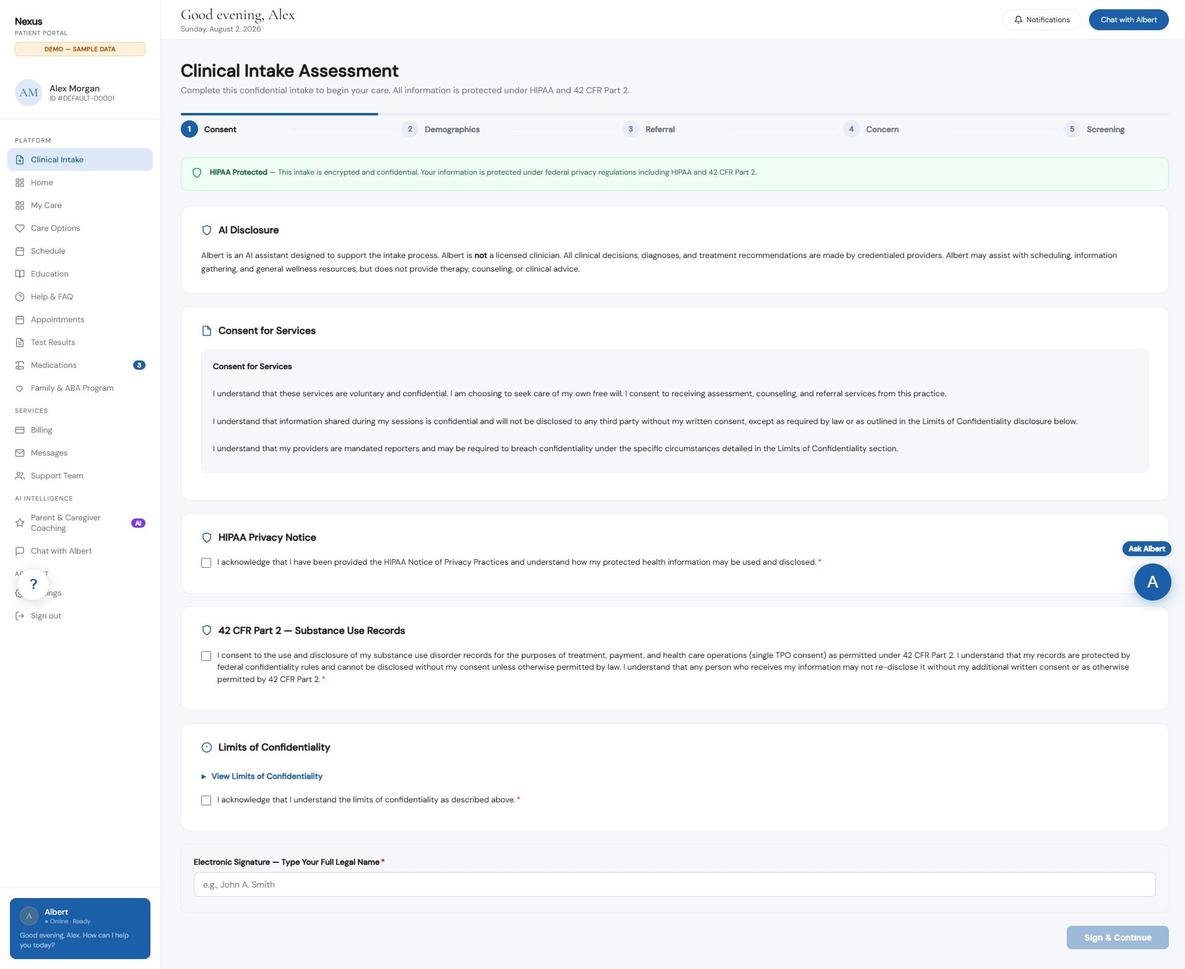
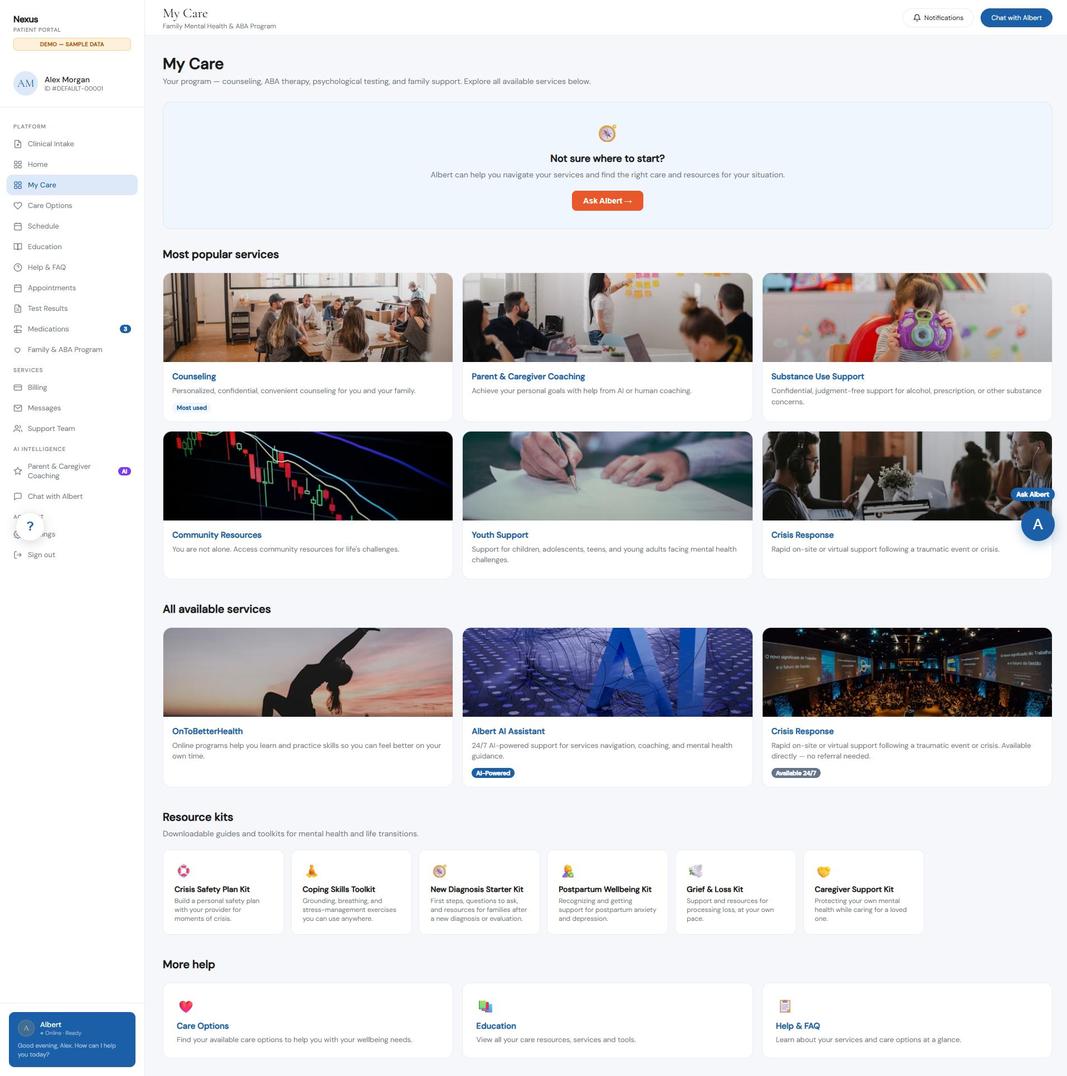
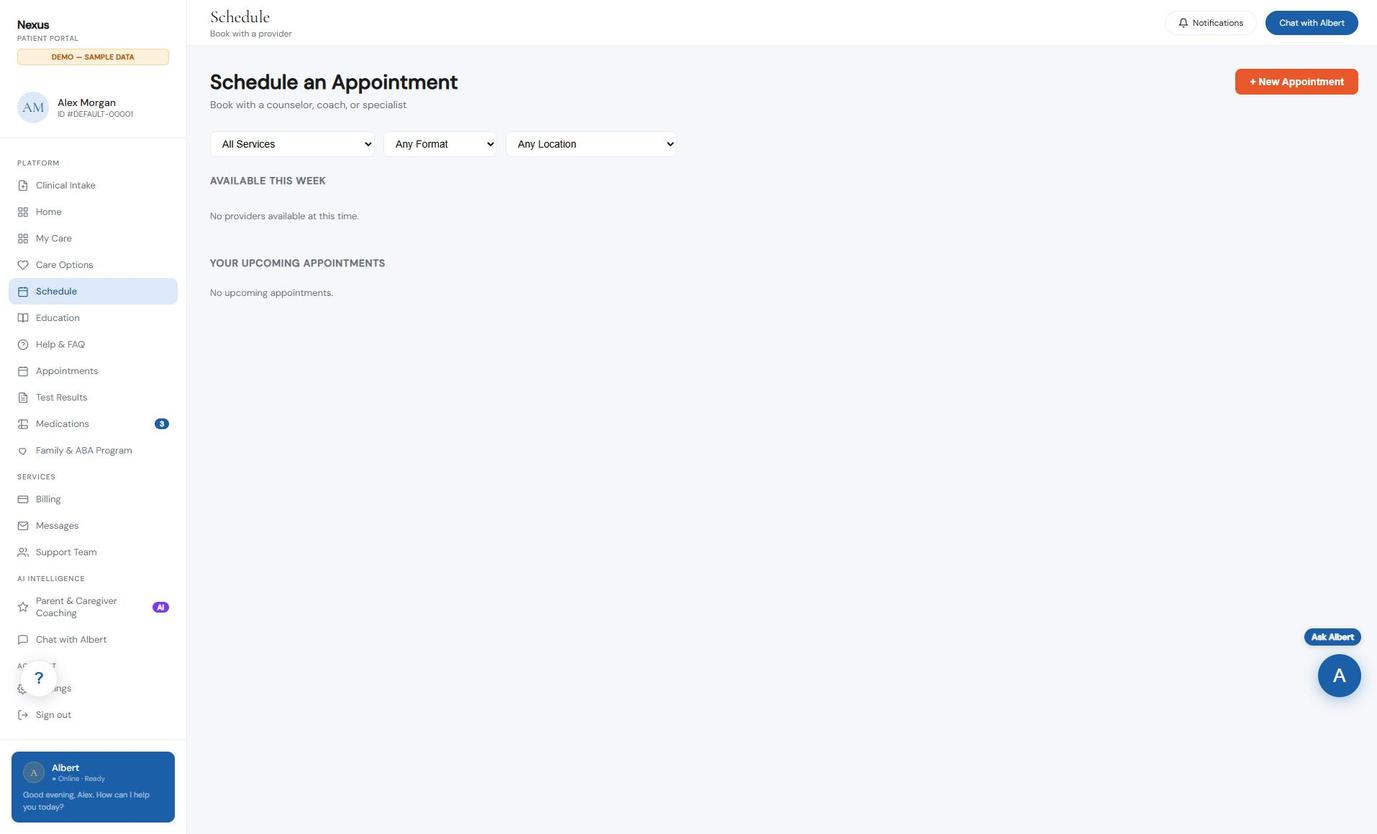
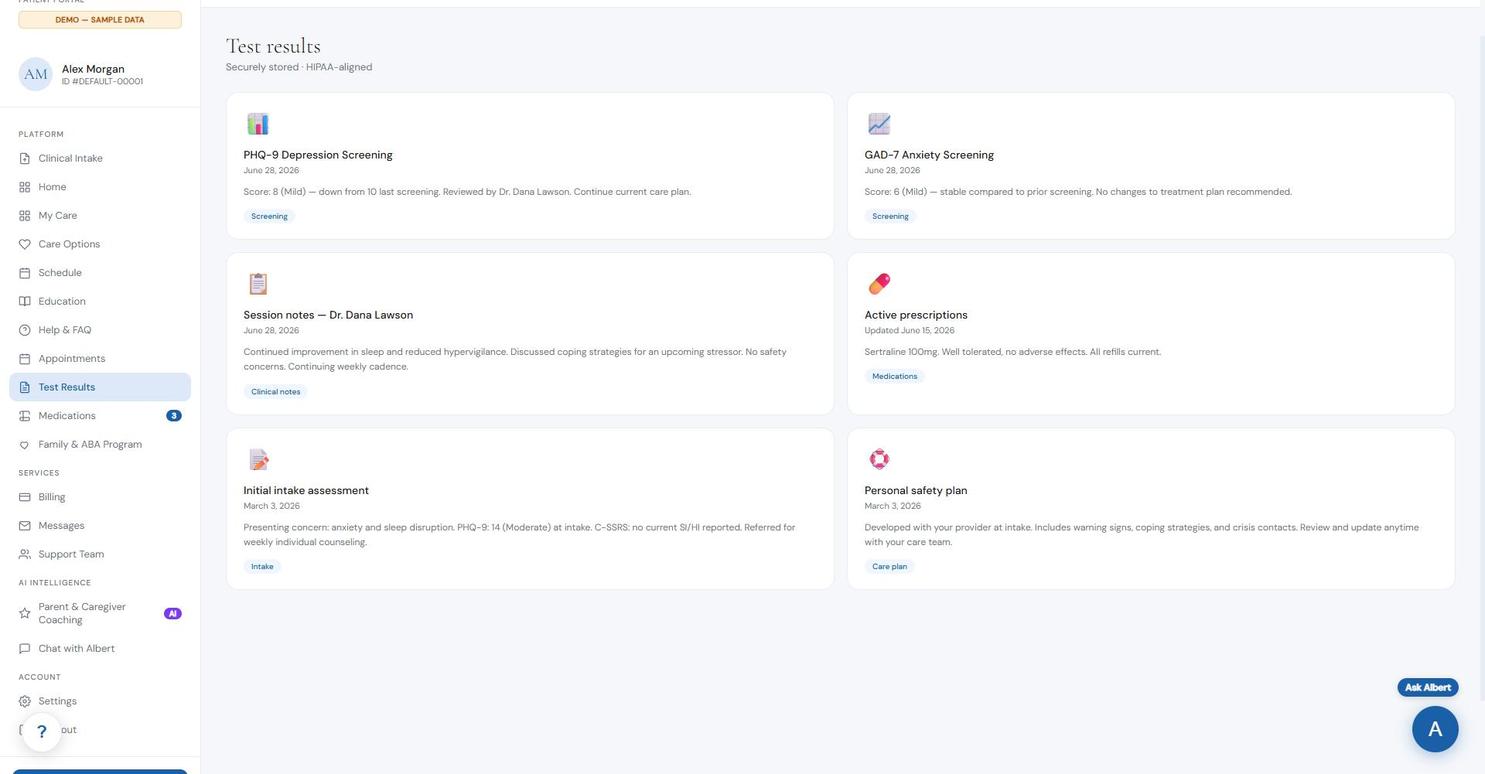
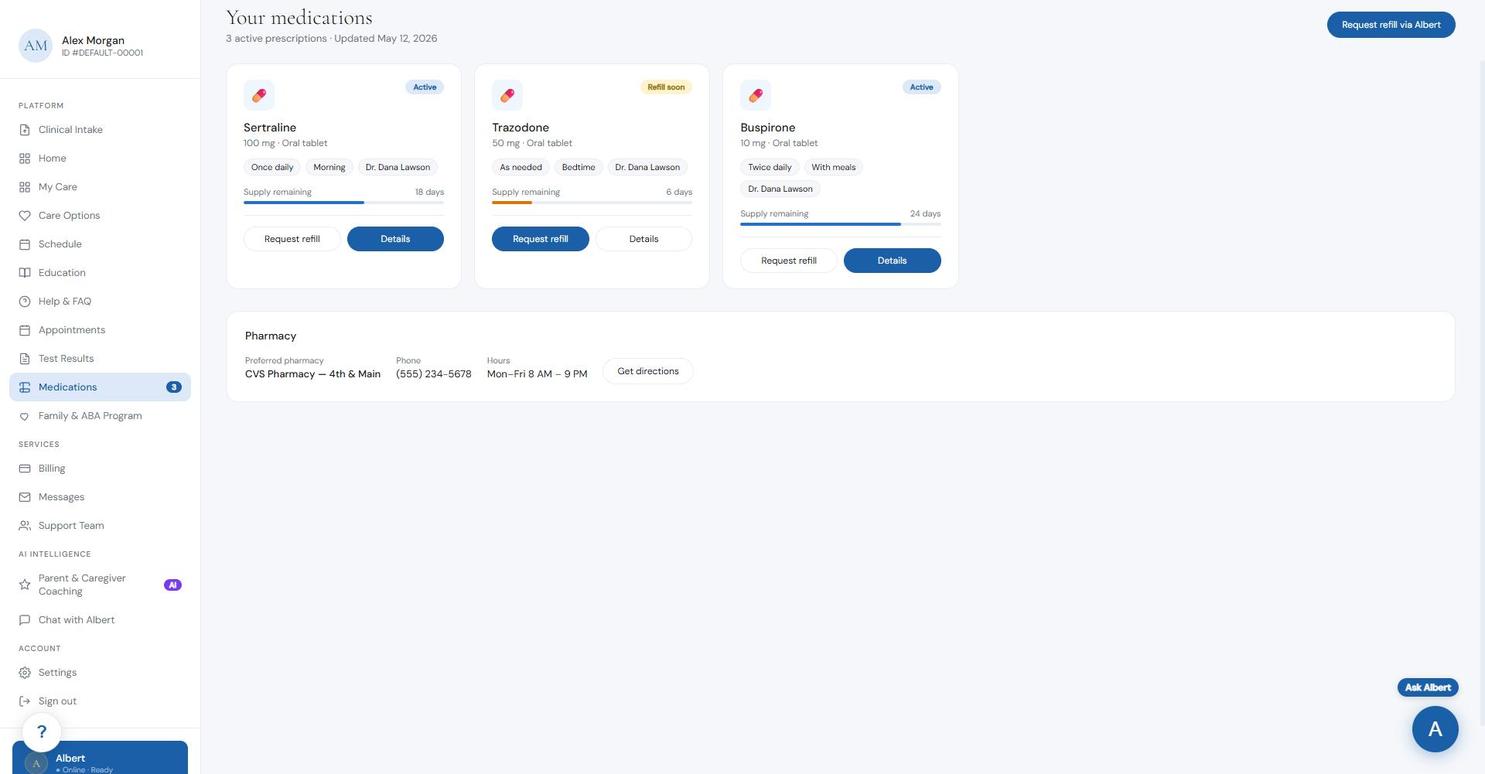
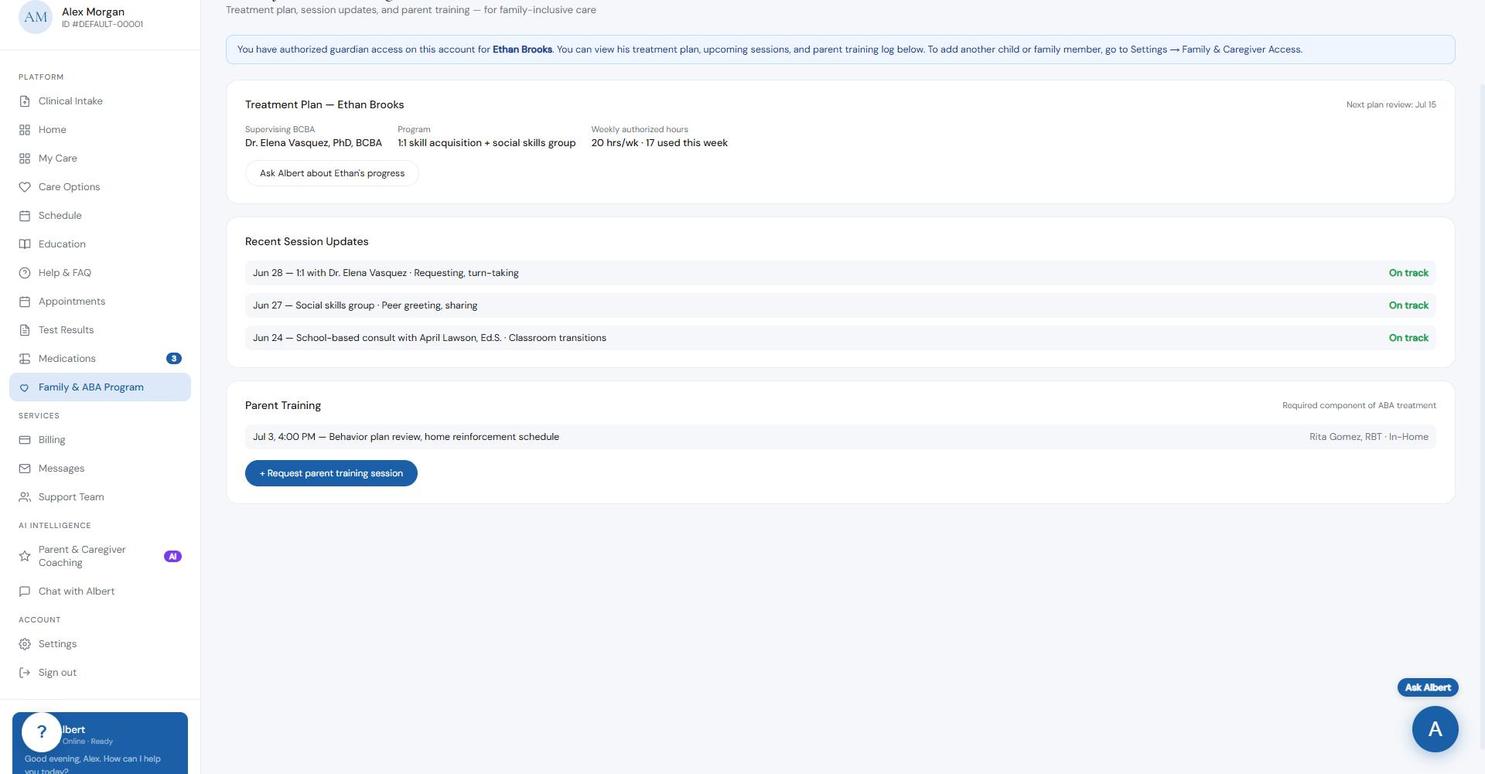
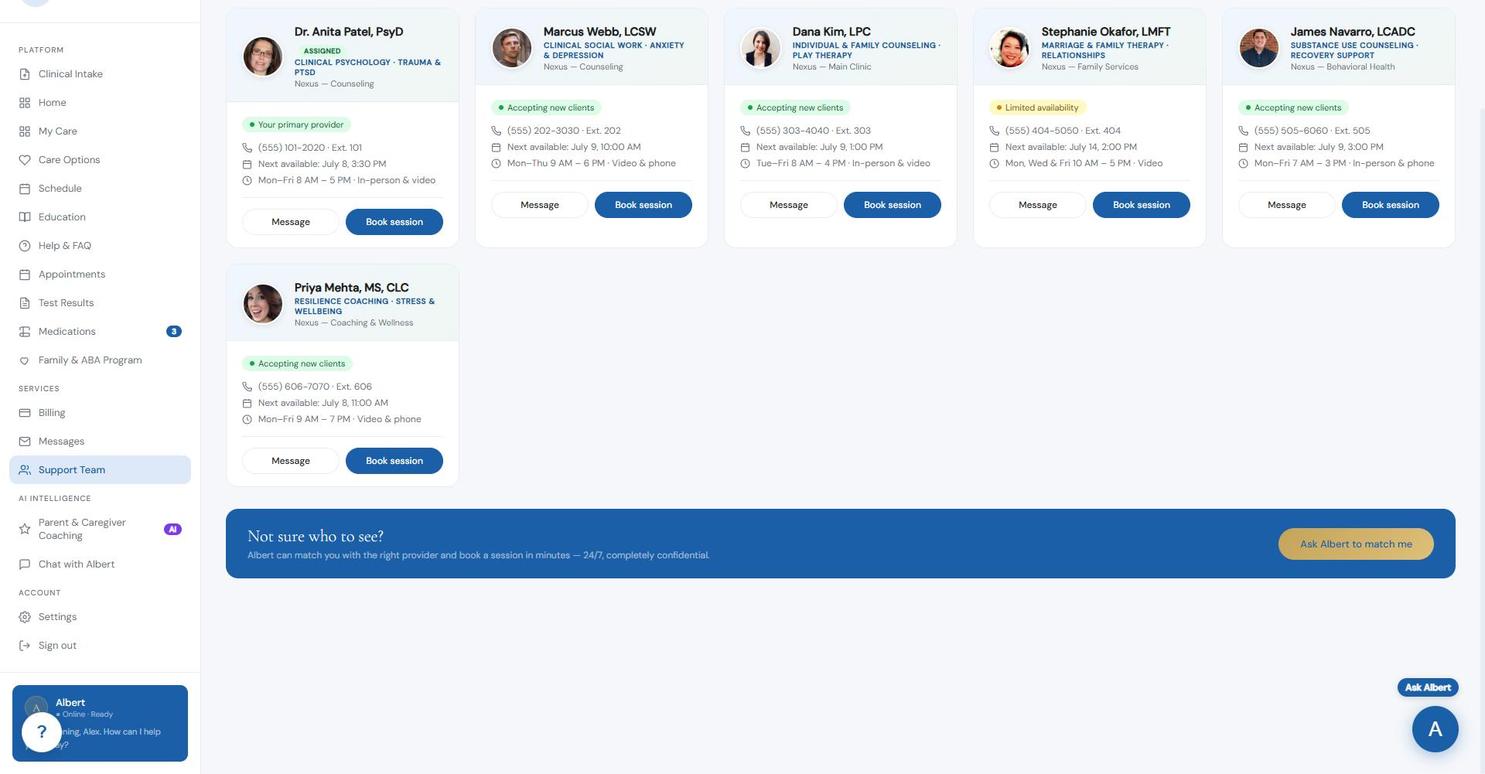
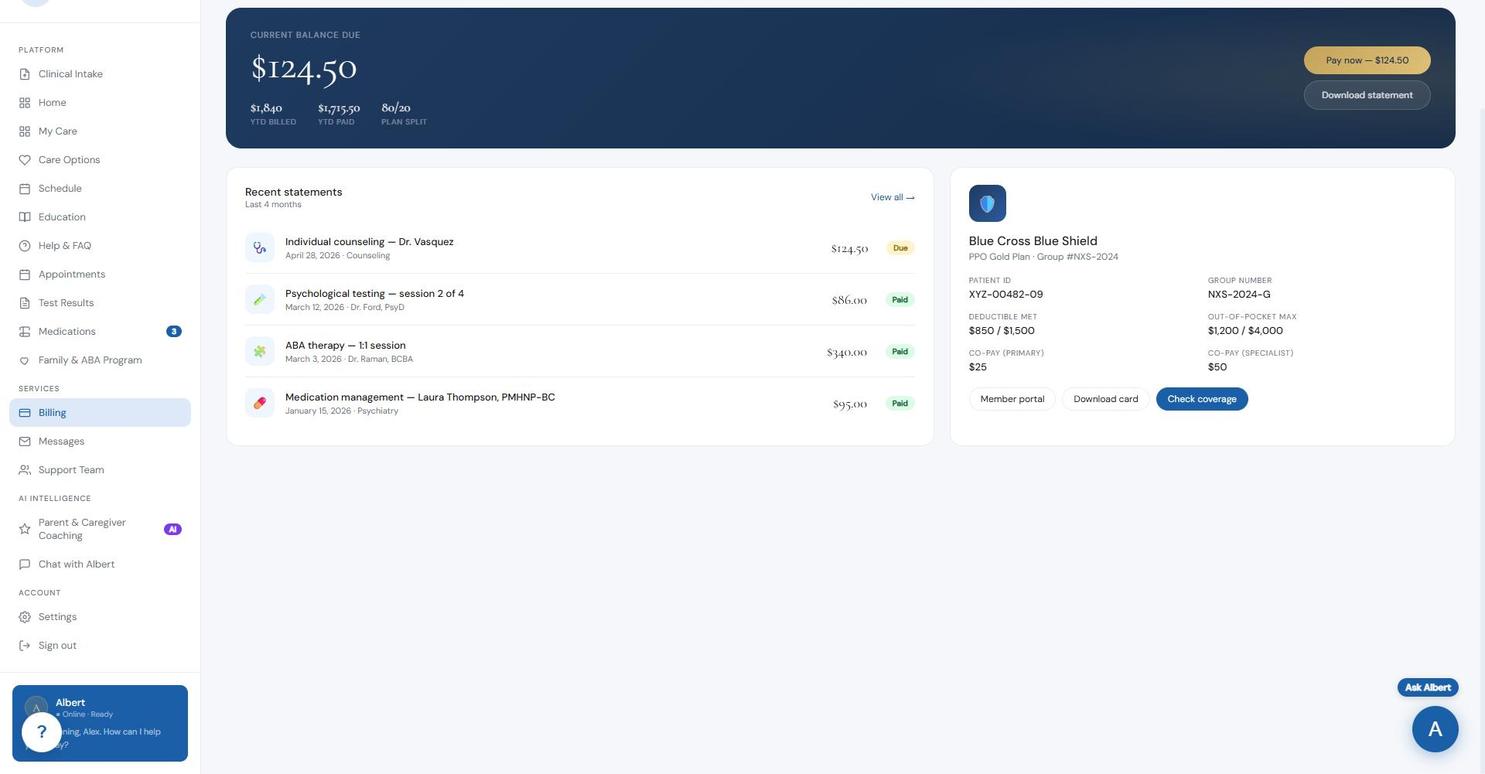
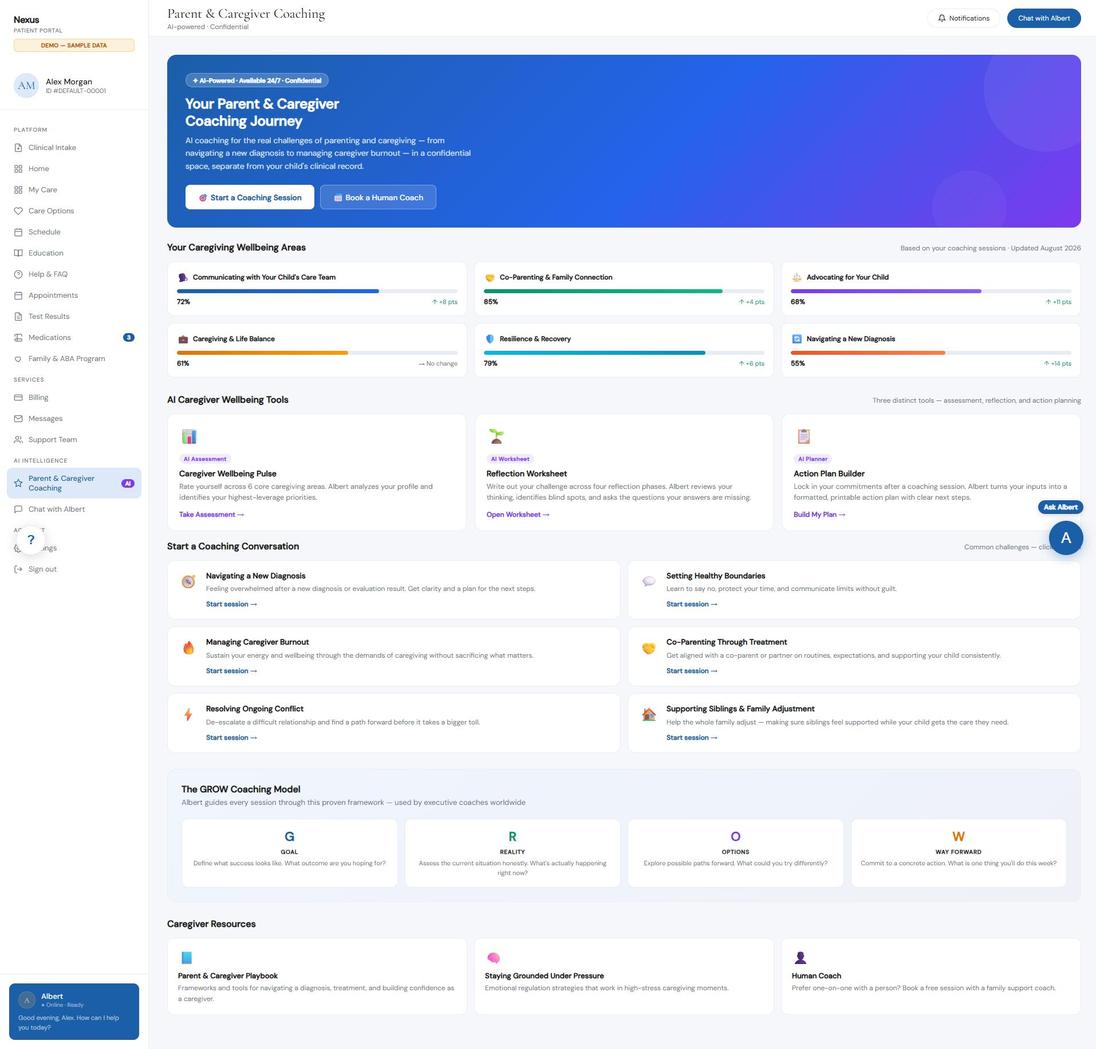
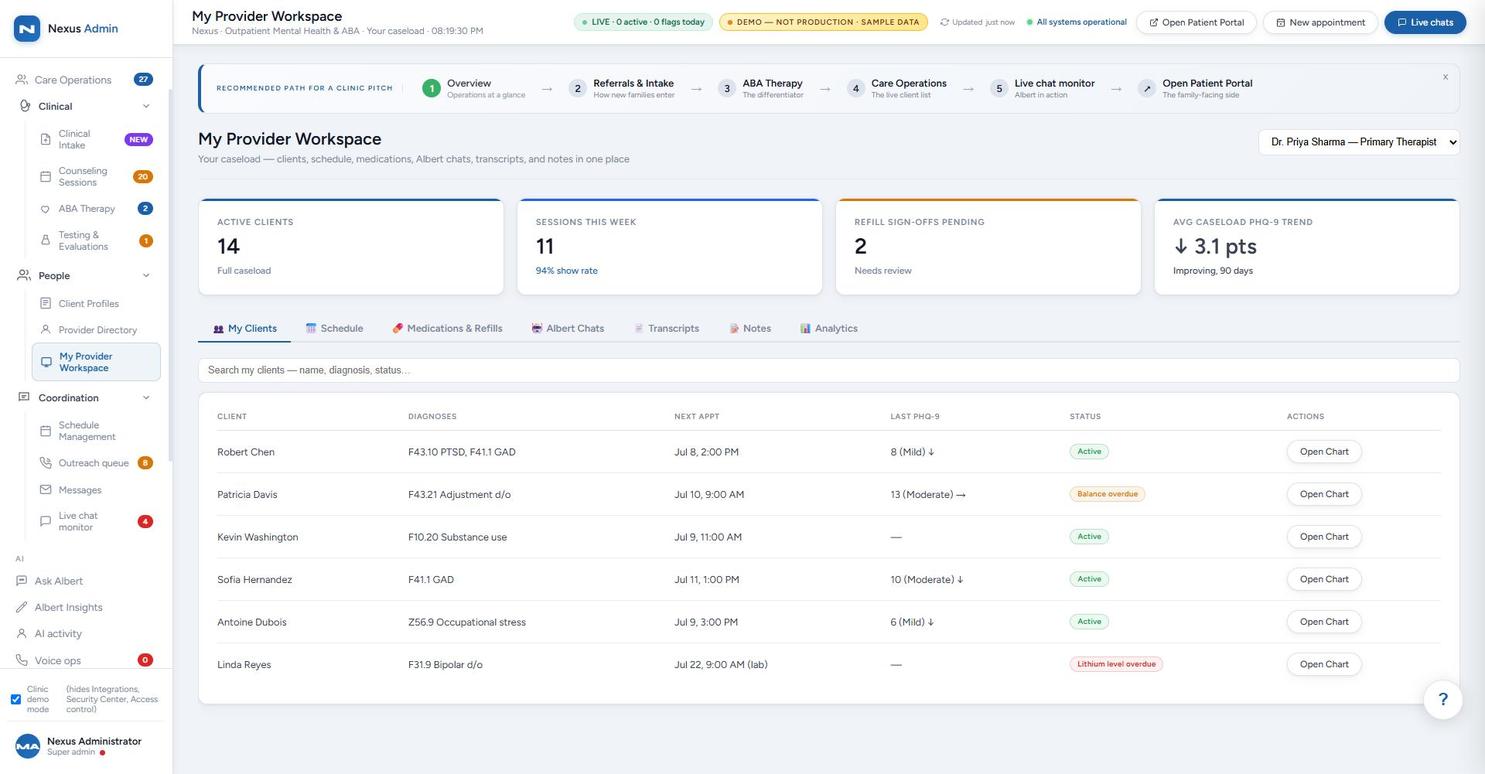
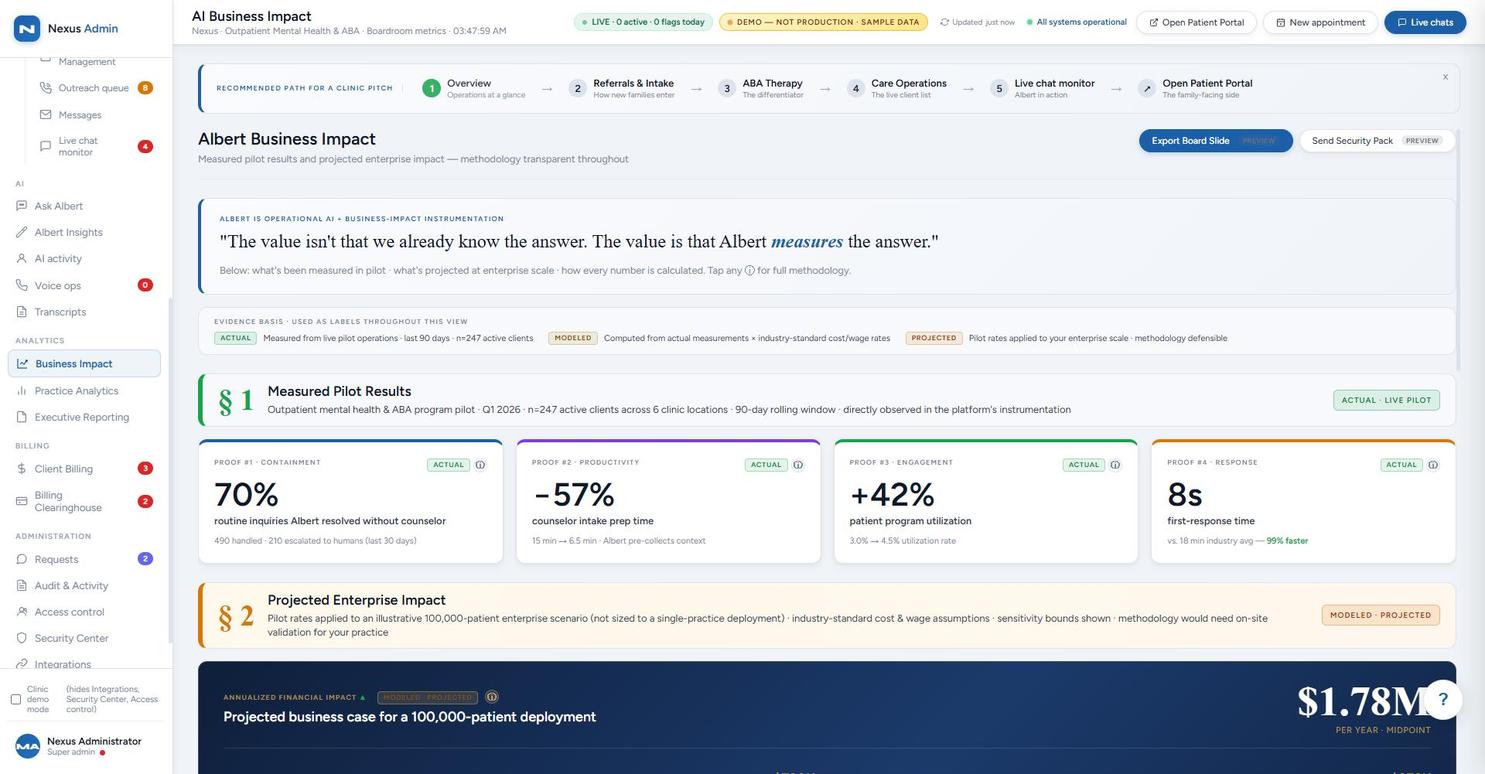
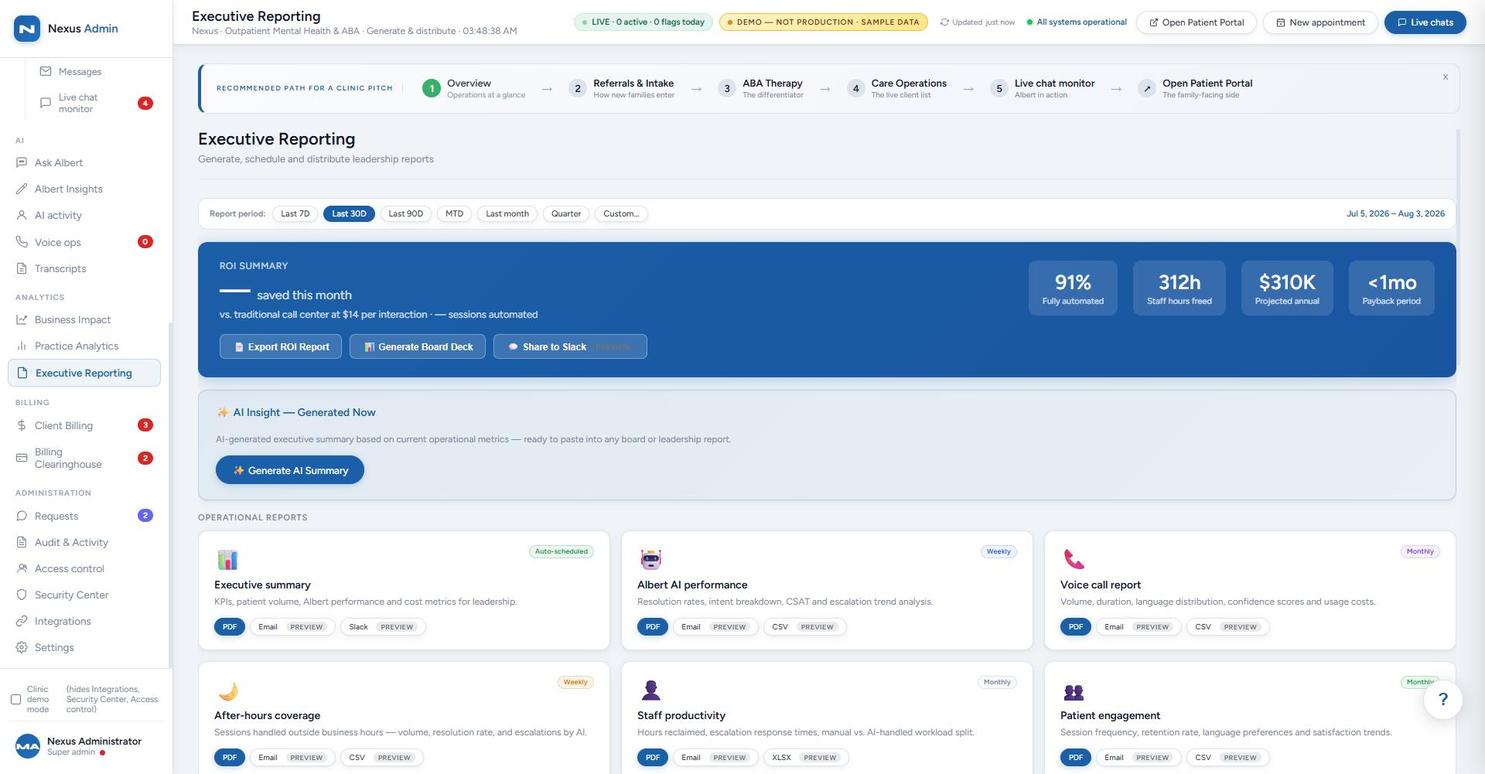
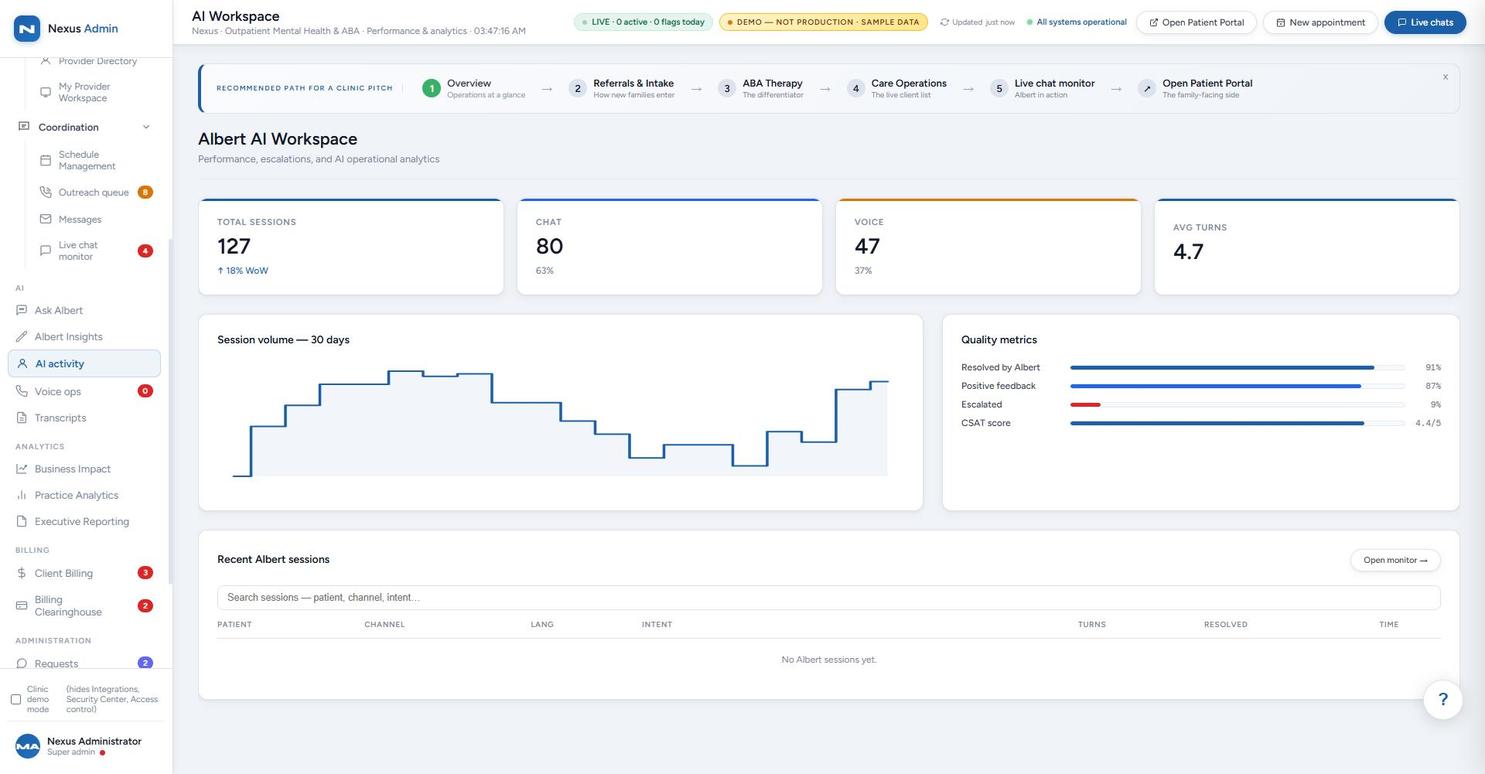
The admin side is where white-label buyers spend their diligence time — so here it is, in full: AI oversight, clinical operations, analytics, billing, and administration. Staff can open any client record to review charts, edit details, and add notes.
These modules are designed to be just as configurable as the member portal. Panels, sidebar items, and analytics groups shown below are meant to be turned on, off, or rearranged per deployment — and the sidebar itself already demonstrates this: unchecking “Clinic demo mode” reveals hidden categories (Integrations, Security Center, Access Control, Trigger Words) that stay off by default. See Editable, Not Just Viewable below for the real note-adding and change-request workflow behind this.
Dashboard, intake triage, treatment tracking, and the live client roster.
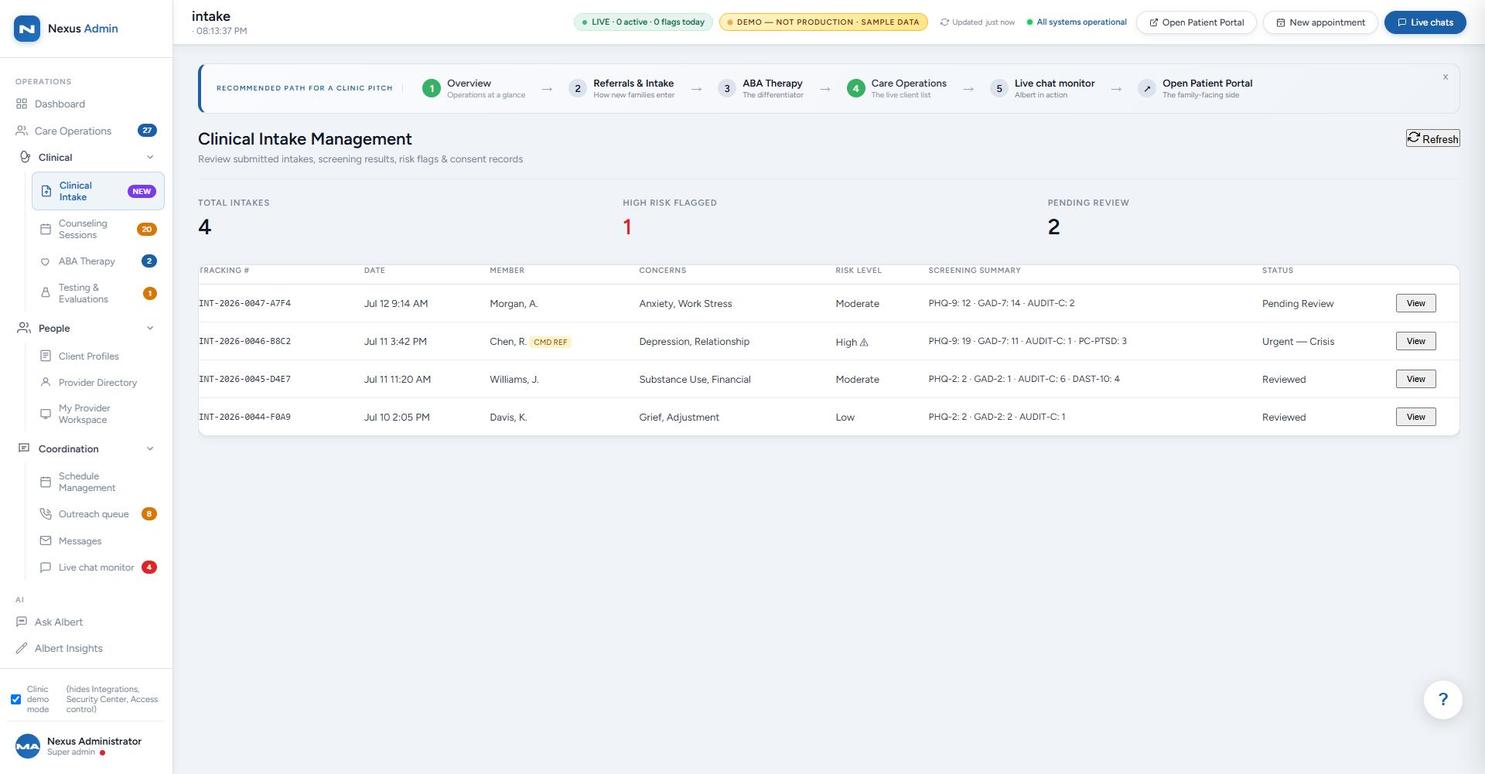
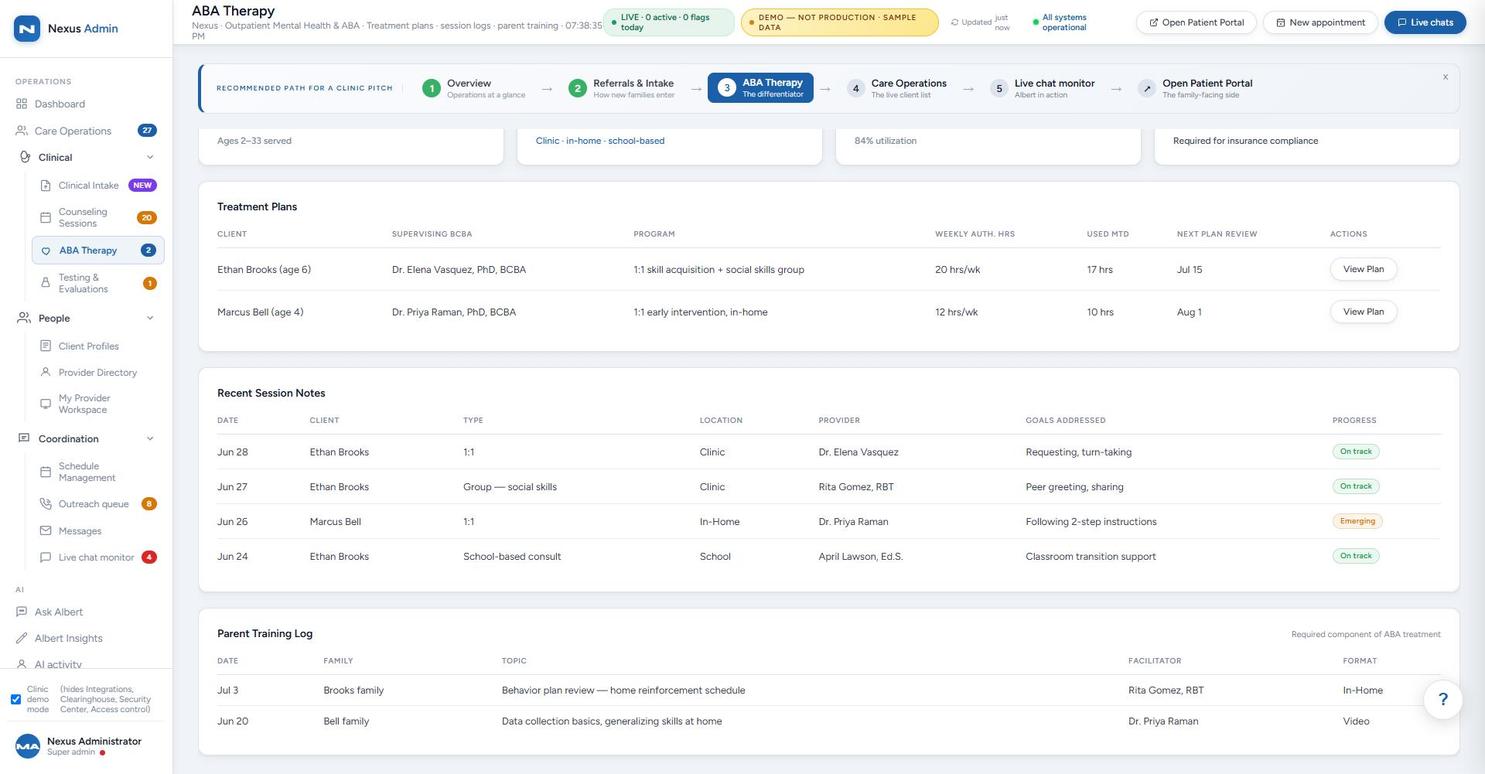
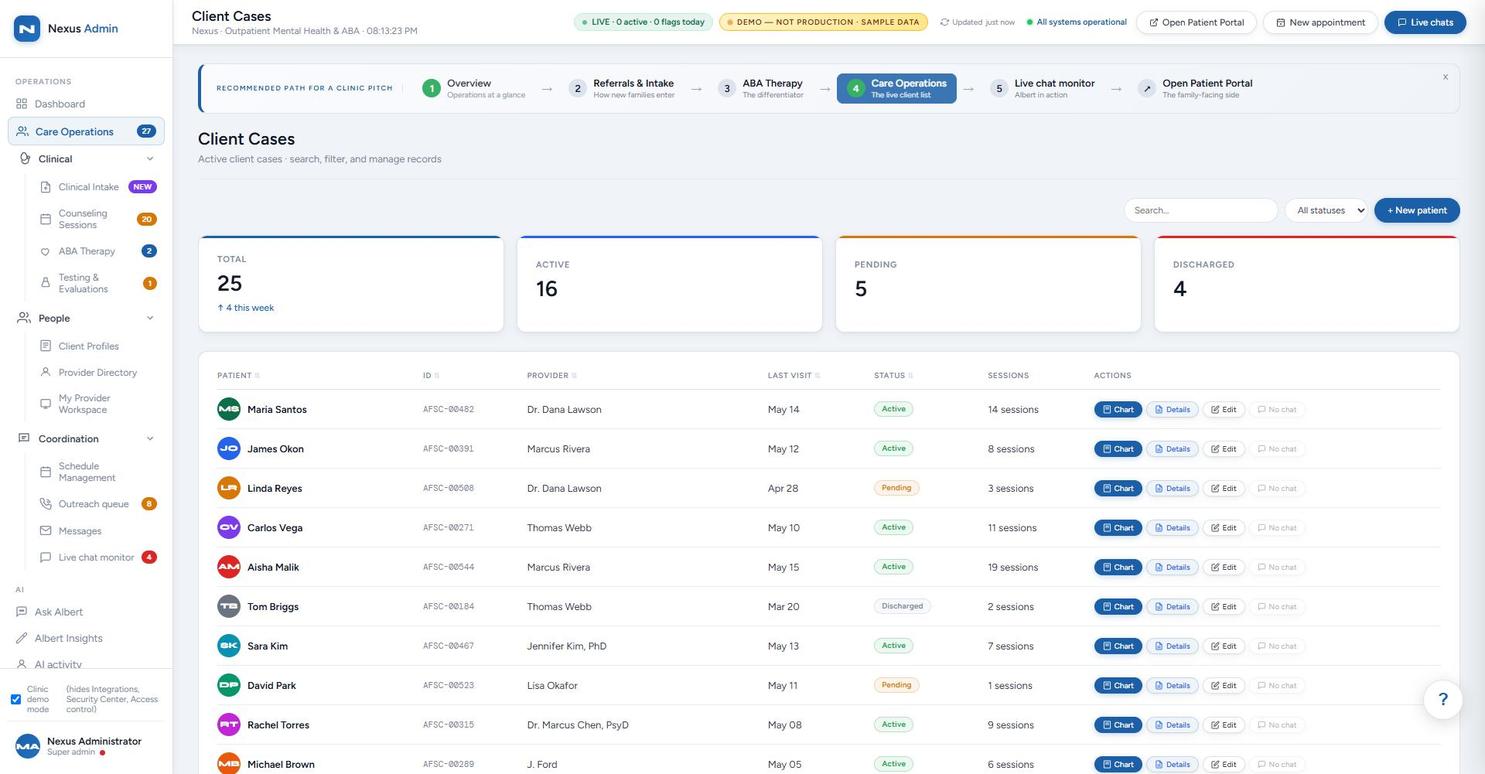
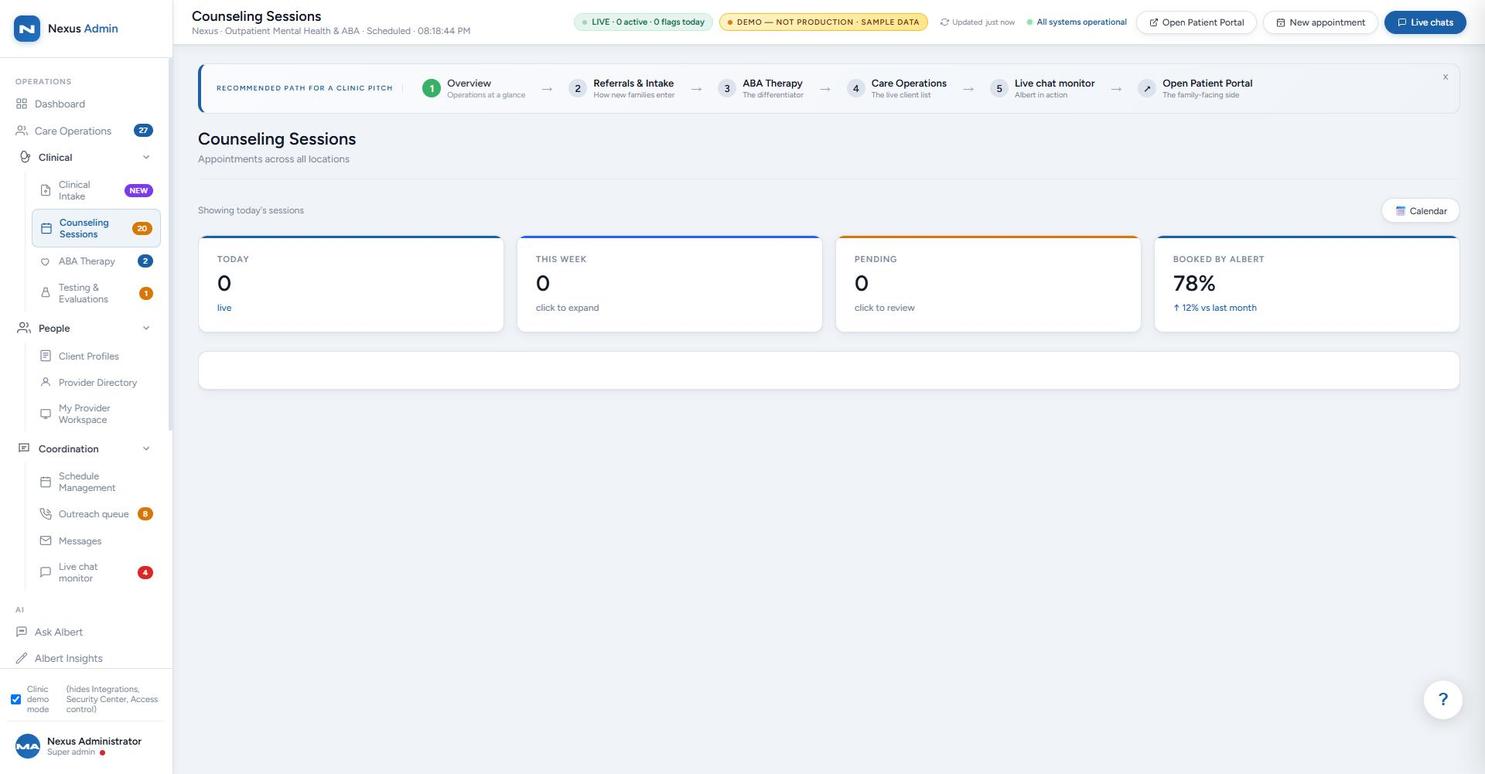
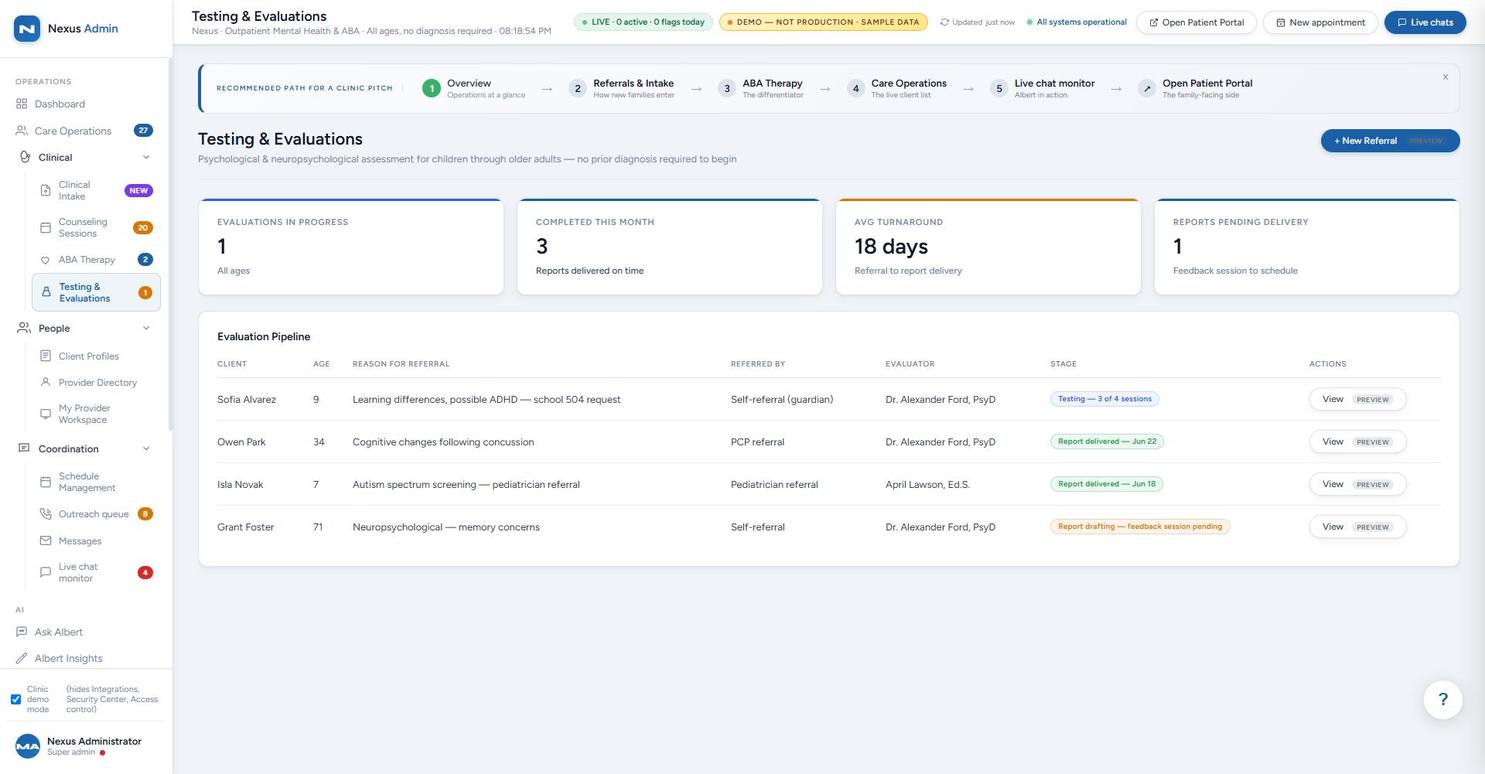
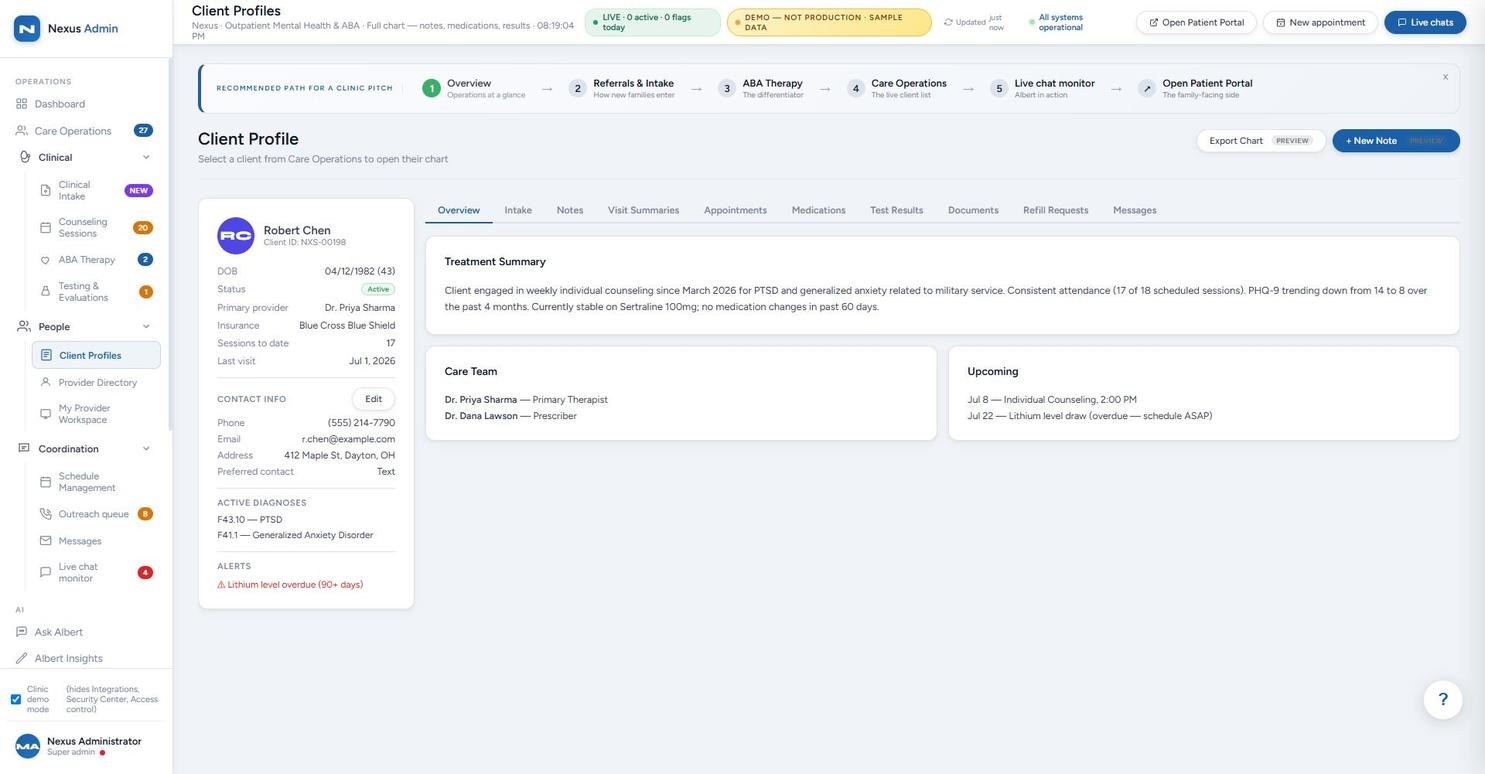
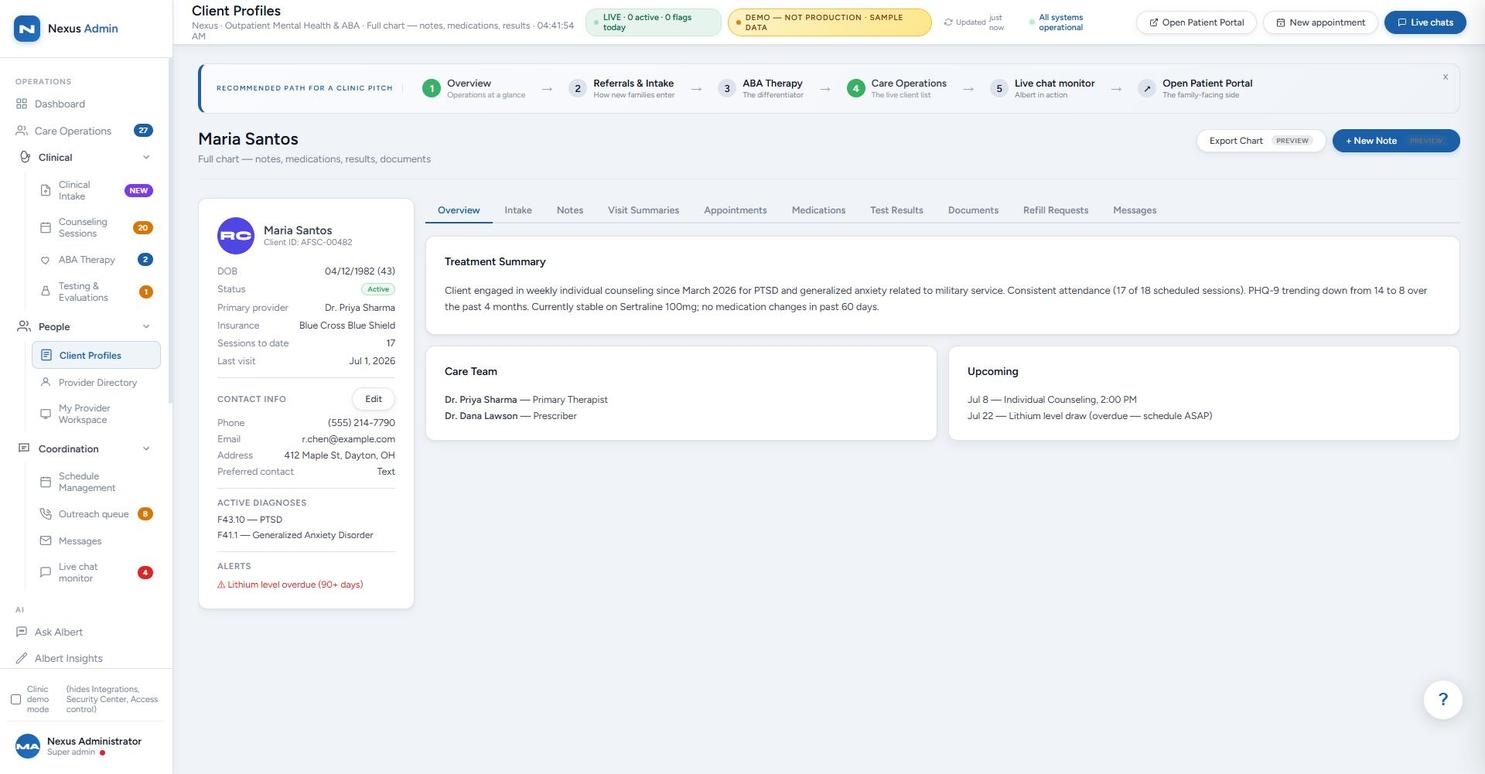
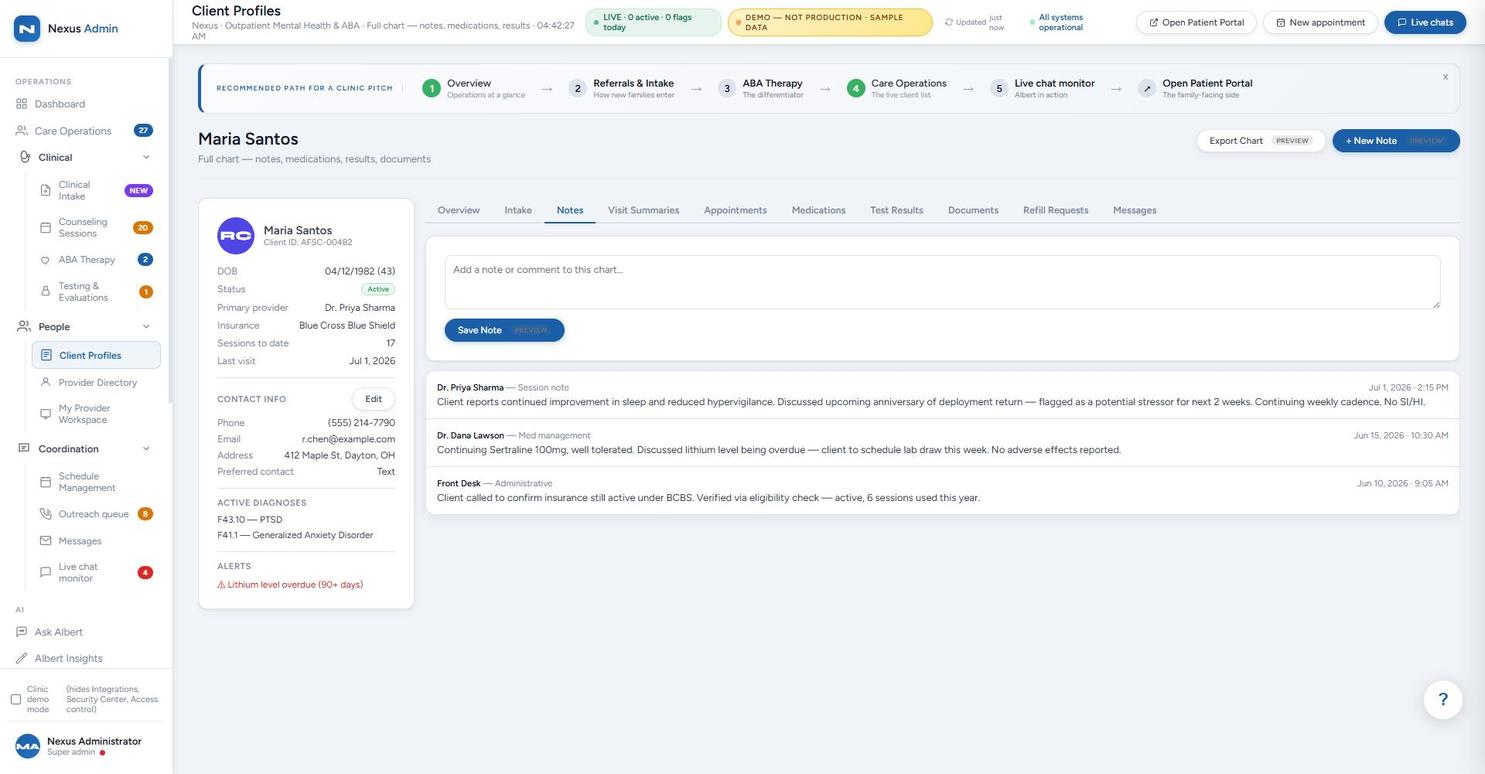
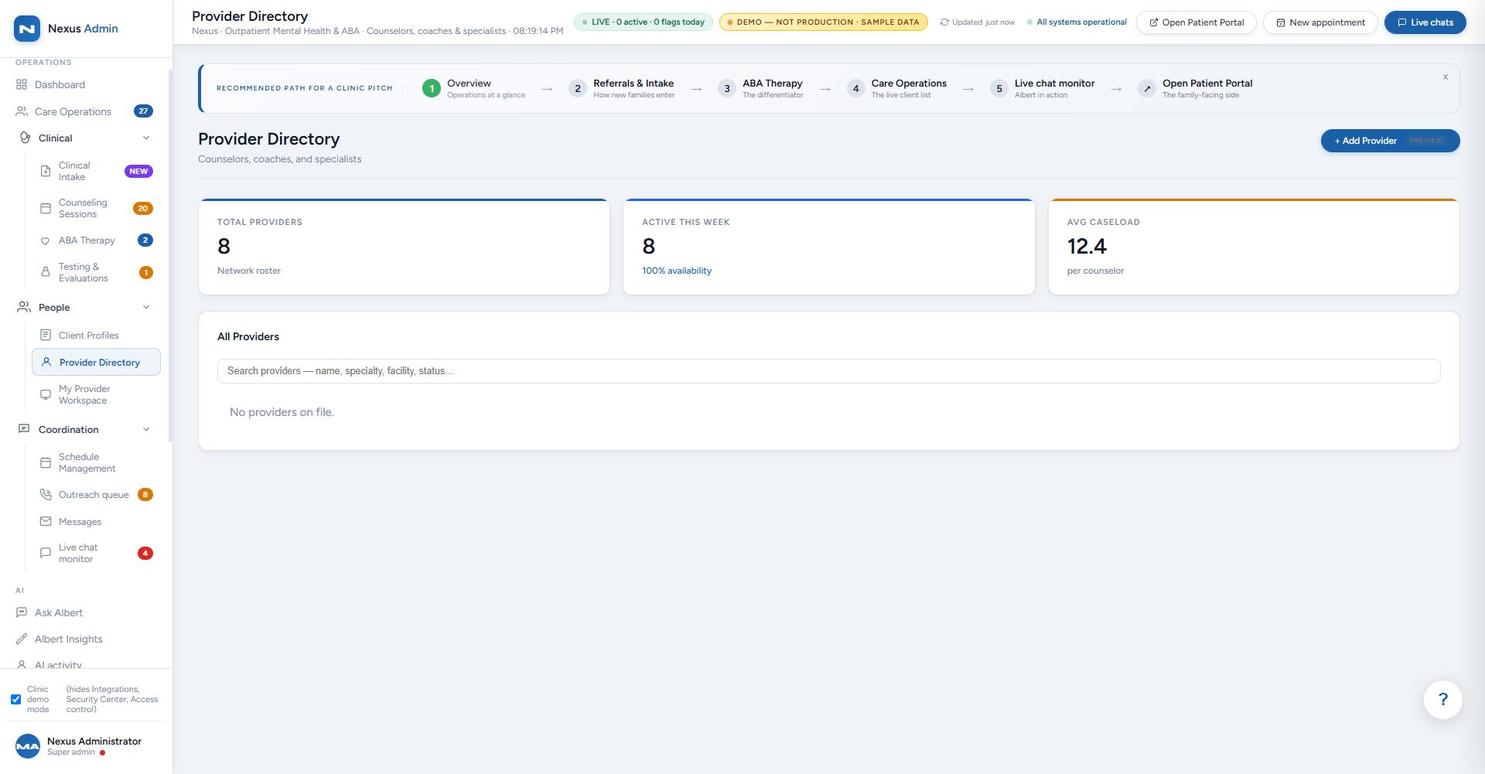
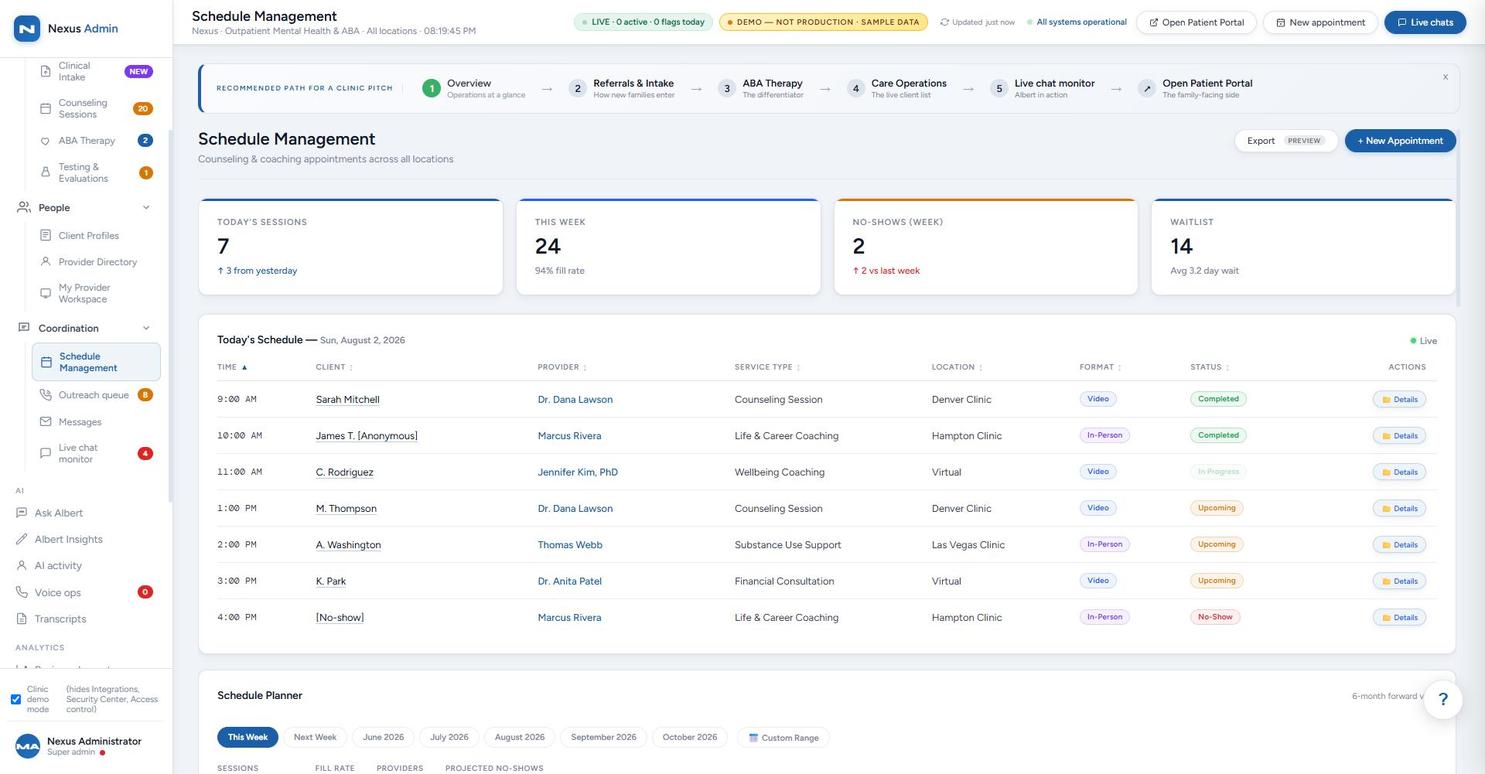
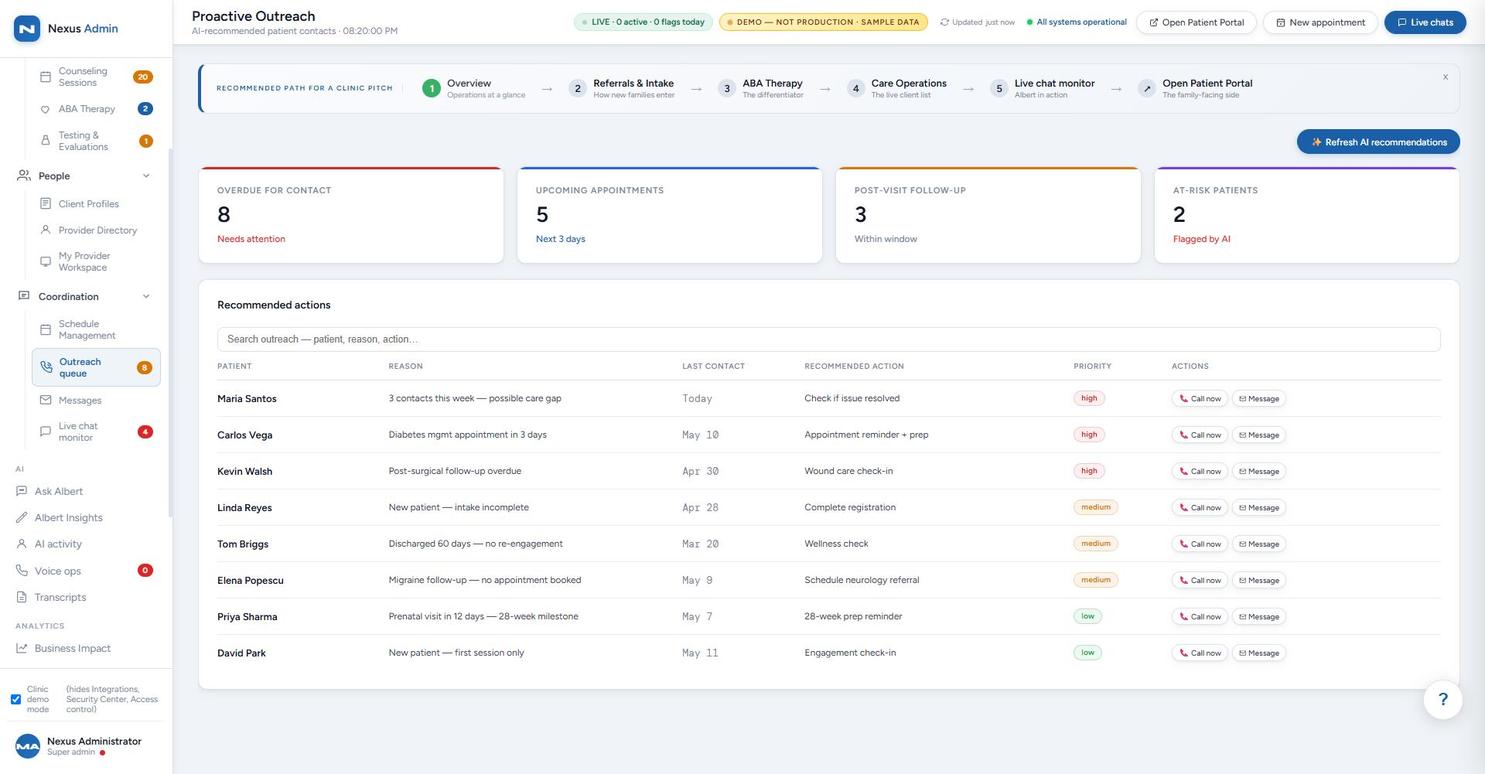
Every AI conversation is visible and steerable in real time — staff can watch, reply, or take over any conversation from the Live Chat Monitor.
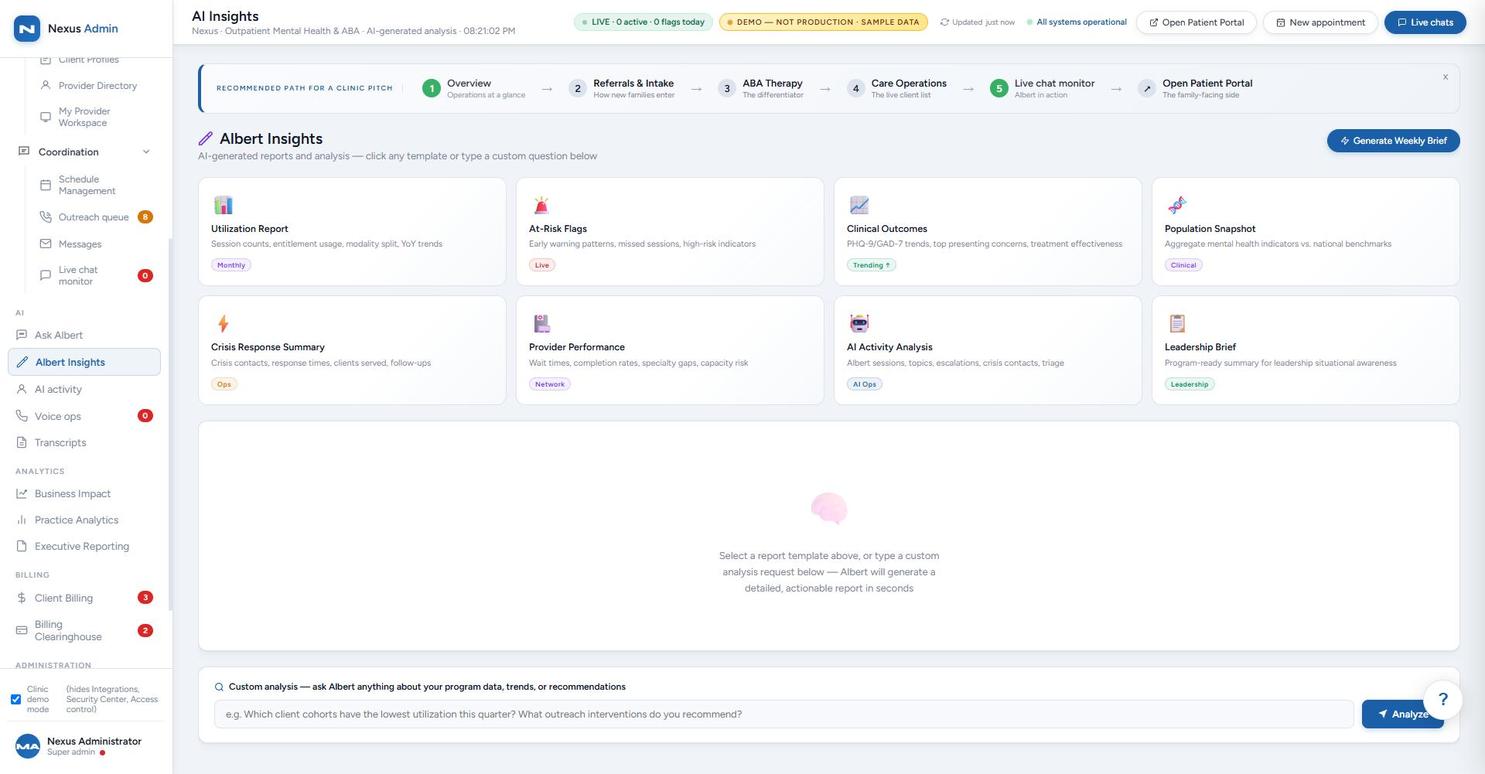
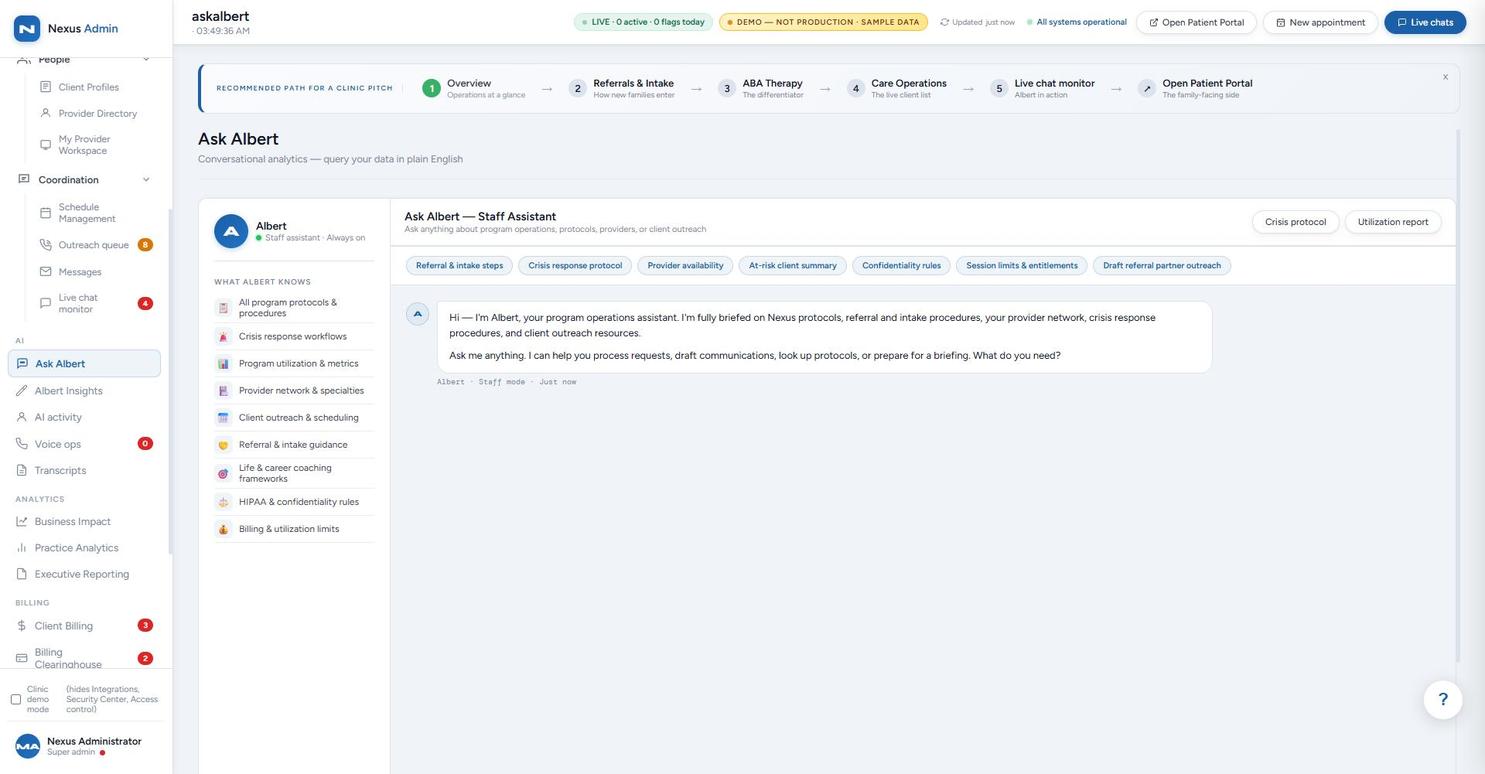
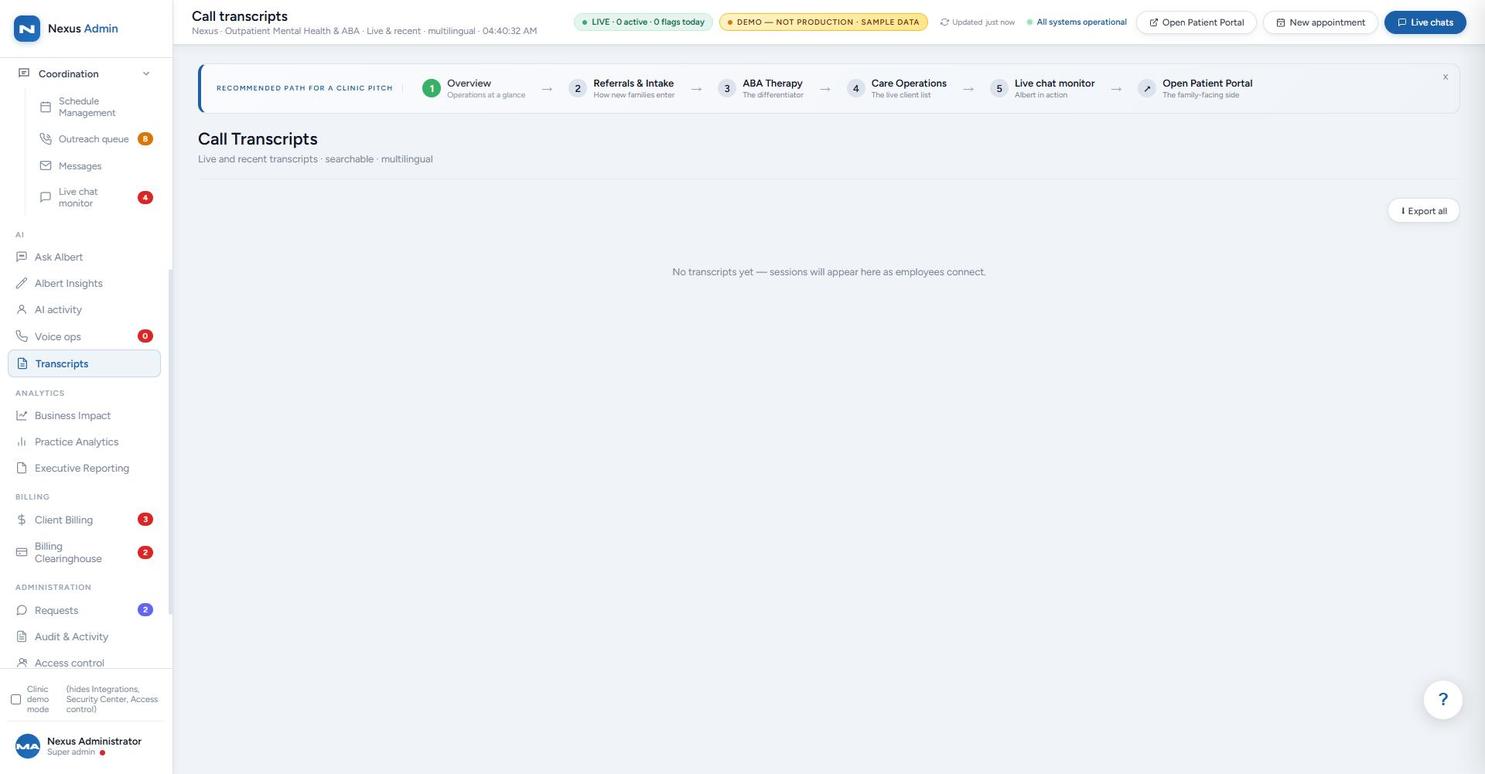
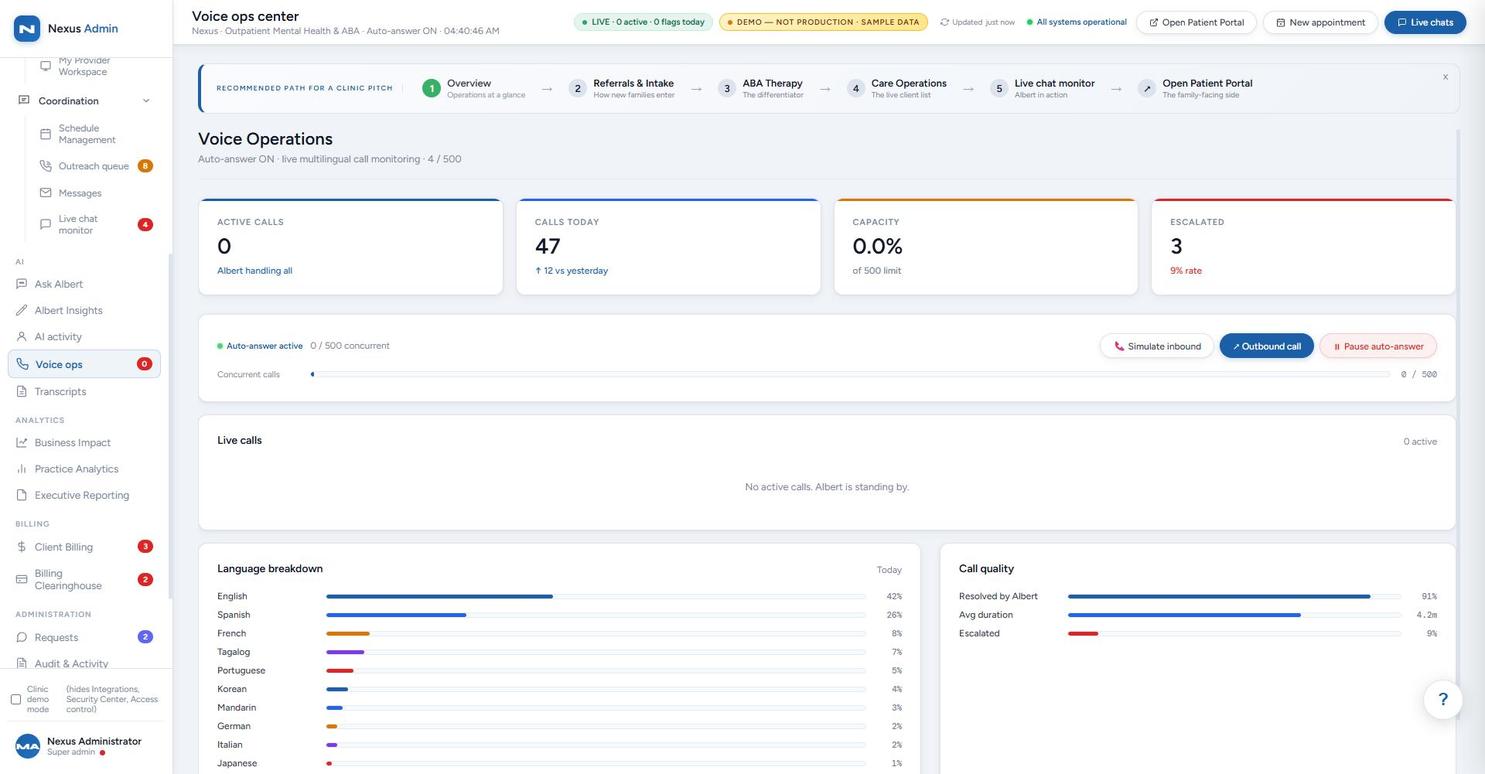
The parts of the back office most white-label buyers ask about first — and the parts most demos skip.
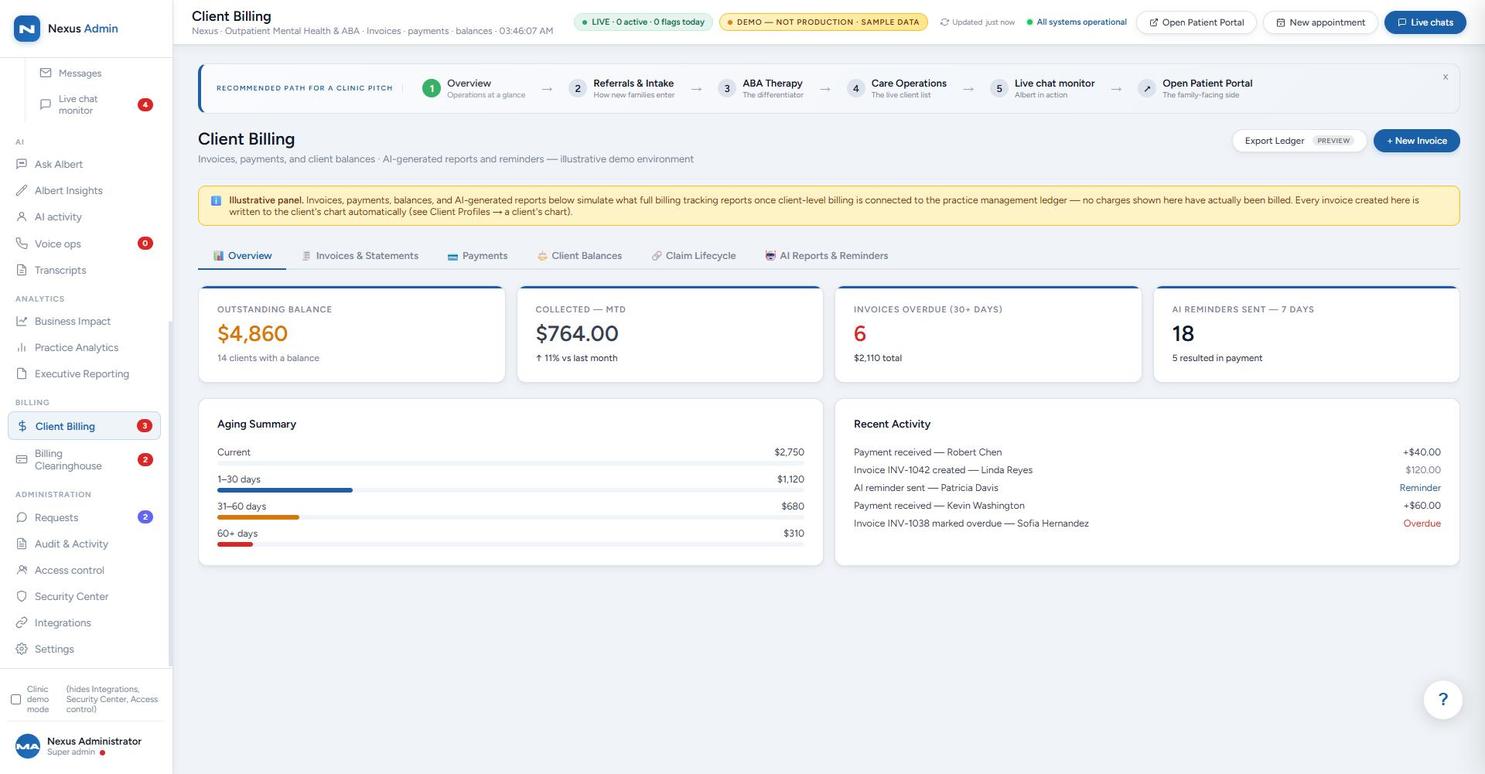
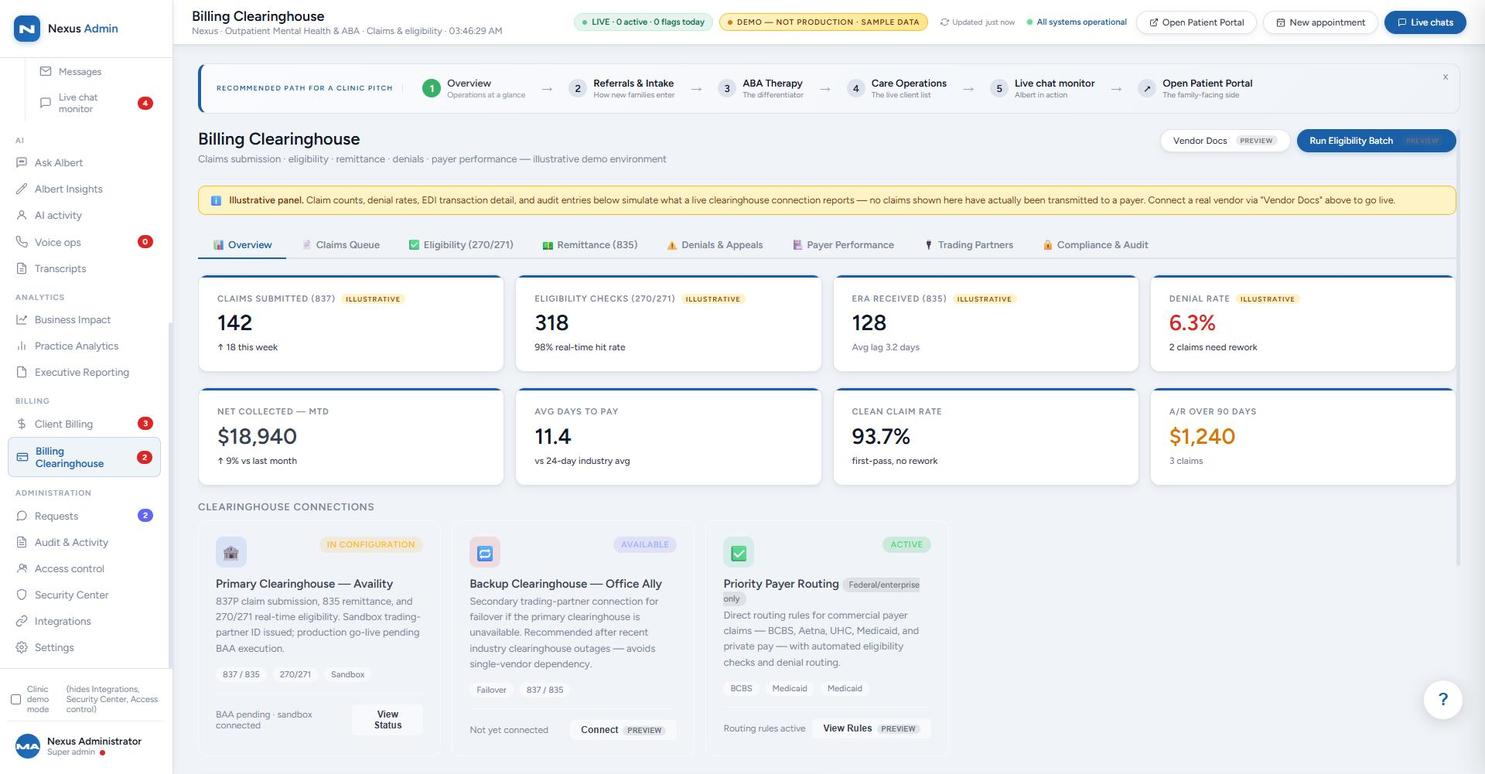
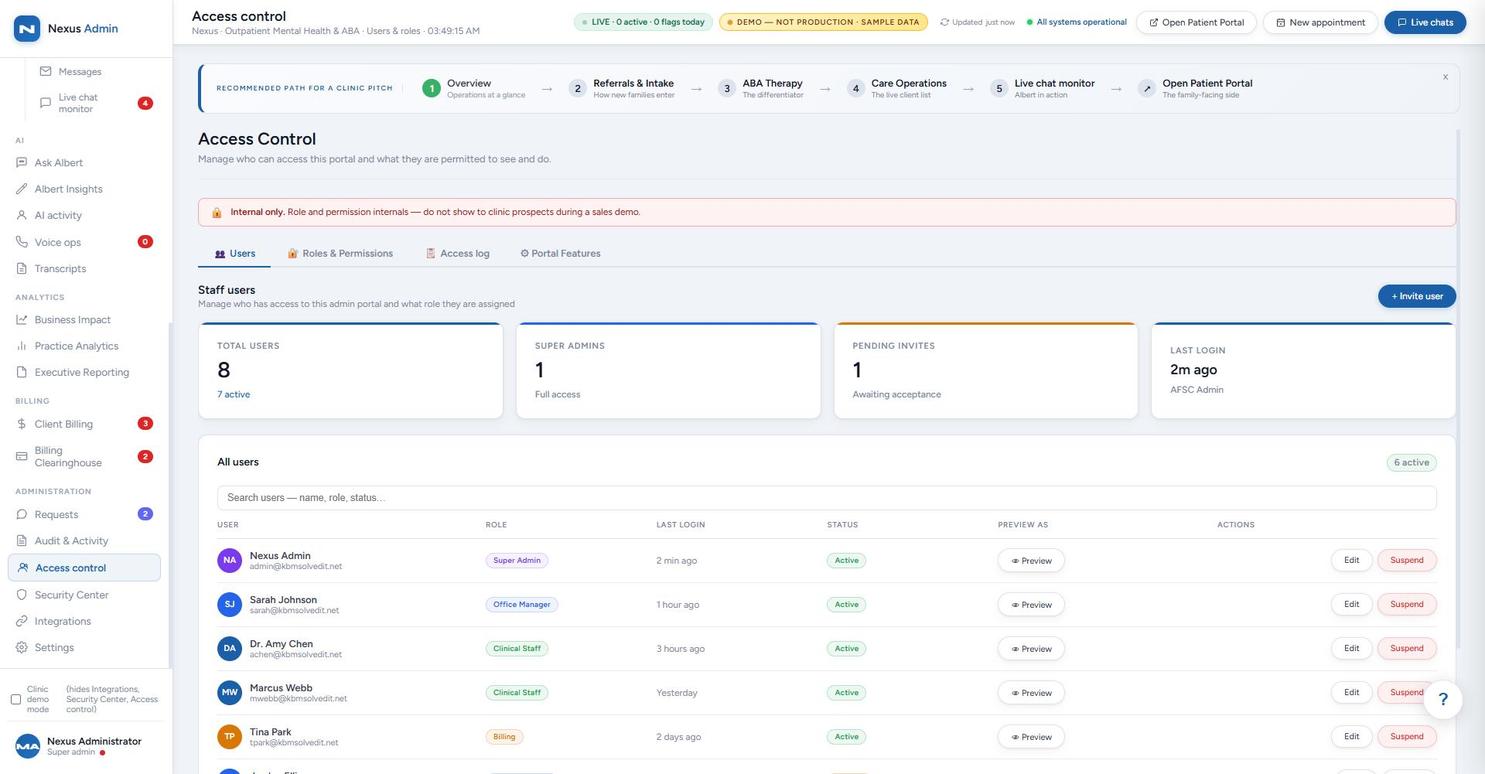
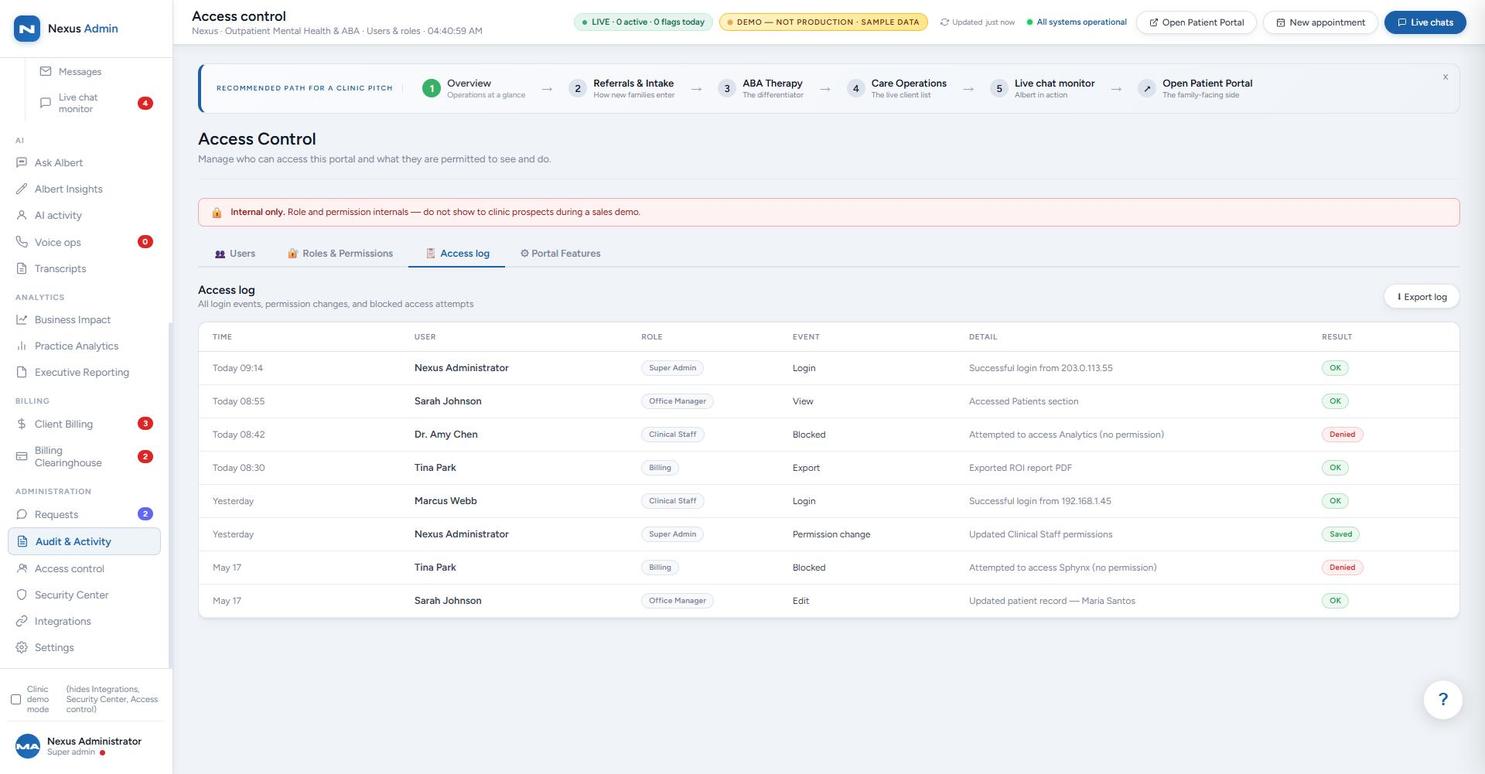
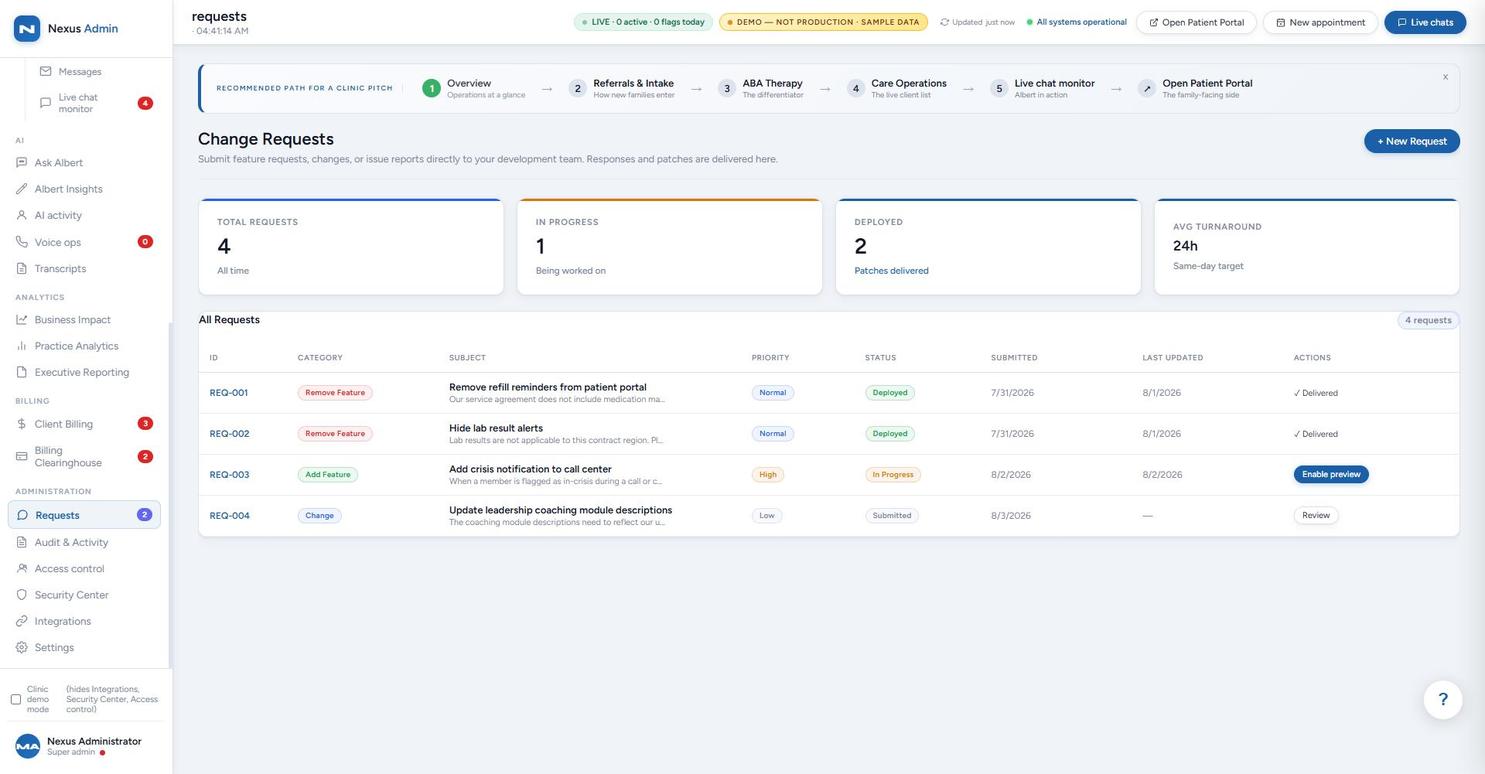
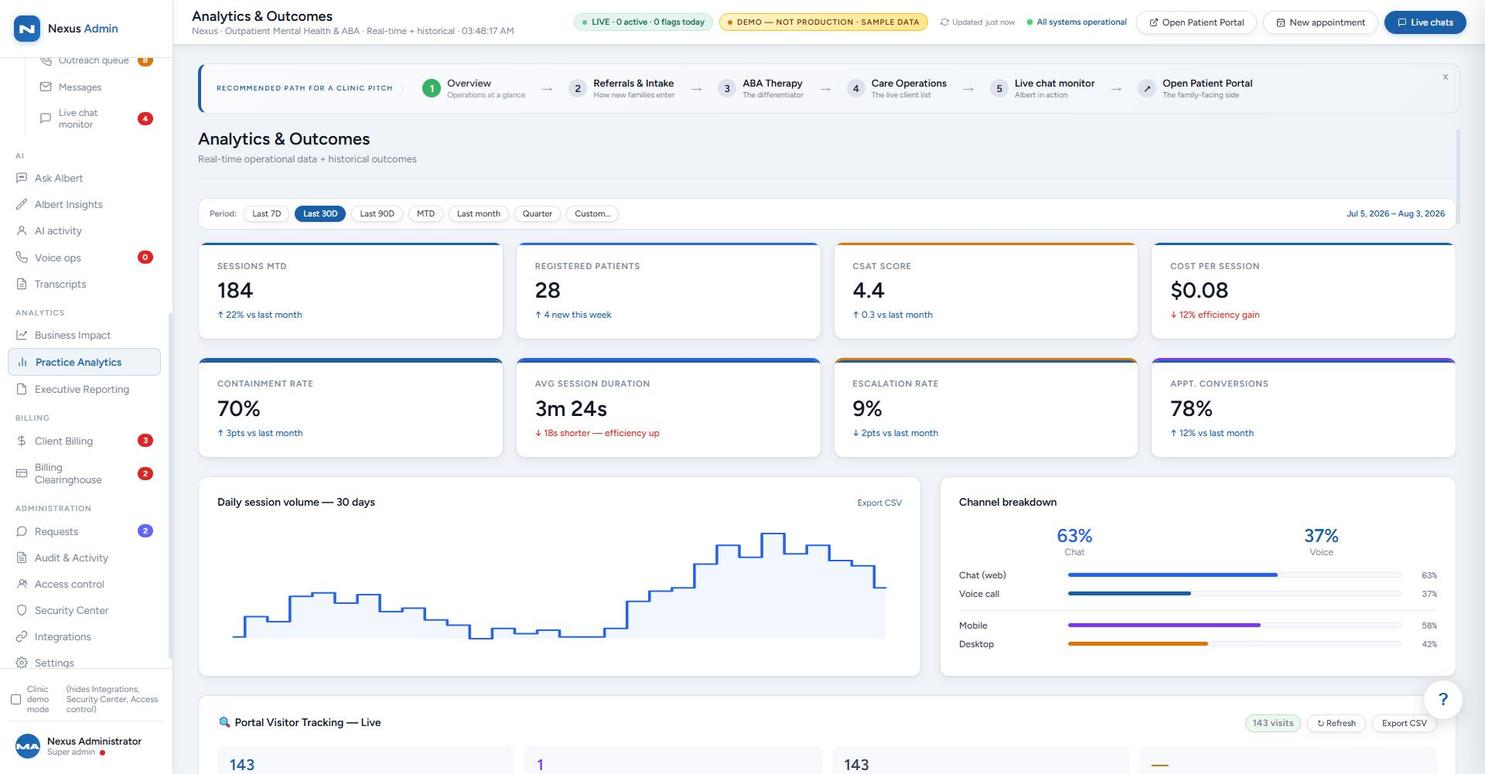
From daily operational metrics to boardroom-ready ROI summaries — auto-generated, exportable, and scheduled.
A single JSON file defines the organization's branding, clinical framework, crisis routing, and compliance settings.
Member portal and staff admin dashboard render under the organization's brand with zero code changes.
The AI assistant follows the organization's protocols, terminology, and crisis resources.
Admin dashboard ships with live AI session monitoring, transcript review, case management, and executive KPIs out of the box.
No custom development required to launch under your brand. Connecting your existing accounting, CRM, or EHR software is a separate, scoped integration project — see Not a Replacement — a Hub below.
Full patient/member portal with your logo, colors, and messaging — dashboard, benefits, care options, appointments, secure messaging, AI chat.
Voice and text AI assistant operates under your organization's identity, following your clinical protocols, in 10 languages, 24/7.
Branded operations center with case management, live AI monitoring, transcript review, incident tracking, provider directory, executive KPIs.
Voice and text in 10 languages. Every conversation transcribed in the original language and translated to English for staff review.
Set your organization's crisis line, escalation rules, and routing protocols. Every crisis event logged and auditable.
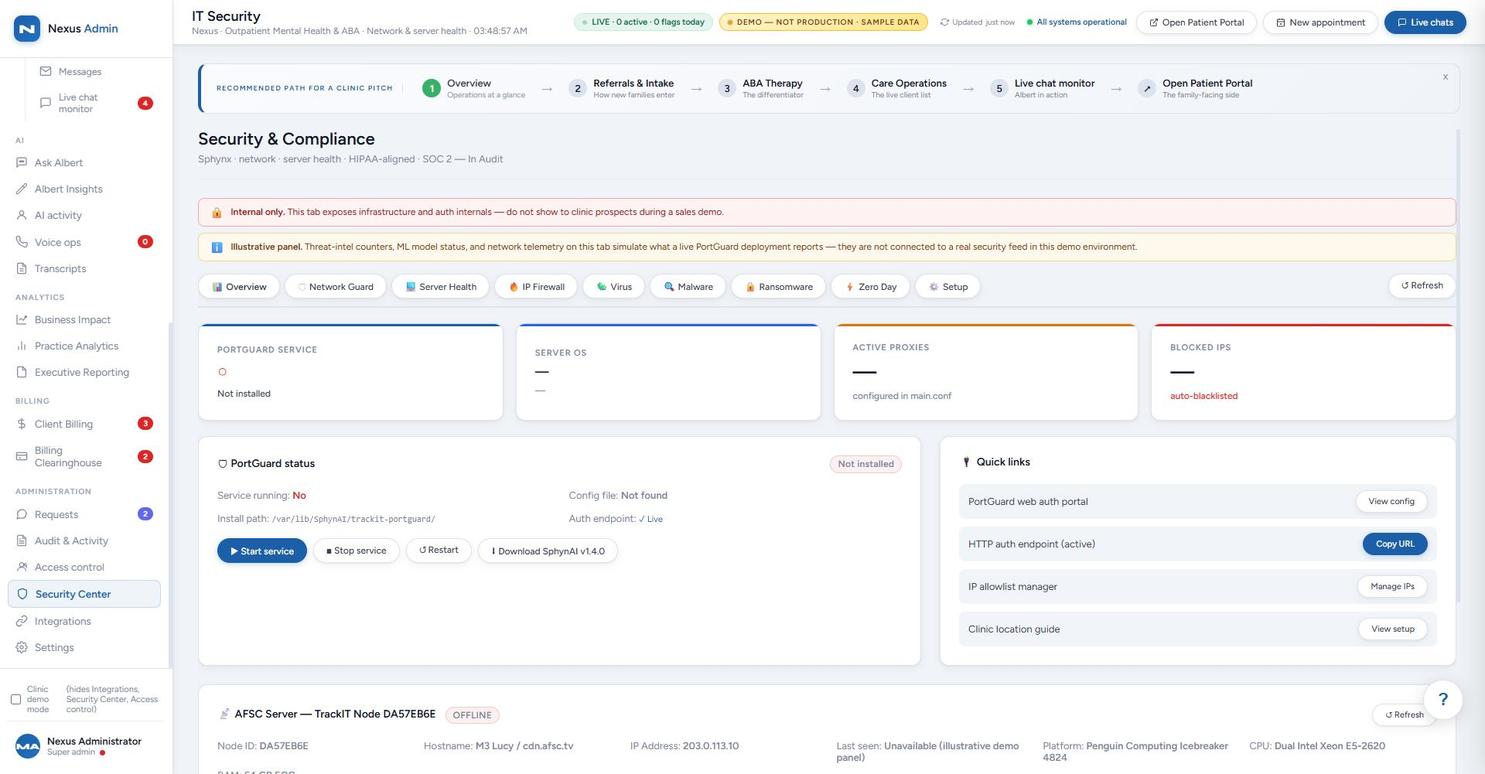
AES-256 encryption on transcripts, with audit logging, role-based access, and BAA-track compliance controls configurable per tenant — reviewed in a dedicated security and implementation brief before go-live.
Tenant branding, clinical protocols, crisis routing, and session limits are set through a single configuration file per organization — demonstrated live in the Operations Console.
SAML 2.0 / OIDC single sign-on and CAC/PIV smart card support for federal workforces are active in the sandbox. HR system sync (Workday, ADP, SAP SuccessFactors) appears as a configuration panel in the same Integrations & Connectivity screen — scoped and activated per deployment, not pre-connected.
Role-based access tiers and an access log are visible in the Access Control screen; billing and claims activity is tracked with timestamped recent-activity feeds in Client Billing and Billing Clearinghouse.
The member chat interface supports 10 languages (English, Spanish, French, Portuguese, Chinese, Italian, German, Korean, Japanese, Tagalog), selectable per conversation.
The Trigger Words screen shows 58 configured keywords across three severity tiers (critical, high, medium) that fire real-time alerts across chat, messages, and intake forms.
The Billing Clearinghouse screen shows a full claims lifecycle — submission, 270/271 eligibility checks, 835 remittance, denial tracking, and payer routing — in a sandboxed clearinghouse connection.
Every item above is visible directly in the Operations Console gallery — we're not asking you to take our word for it.
The screens throughout this site aren't static reports — staff can add notes, submit change requests, and reconfigure what's visible, and each one leaves a timestamped, attributed record instead of disappearing into an email thread.
This is the same configurability described in the Member Portal and Operations Console sections above — tiles and sections aren't fixed, and the platform gives staff a real, tracked way to change them.
Behavioral health networks
that want AI-powered intake and navigation under their own brand.
EAP providers
looking to modernize member access without a multi-year platform migration.
Health systems
adding behavioral health services to existing employee or patient programs.
Government & military programs
evaluating branded, secure, multilingual support infrastructure for their workforce.
If you need a behavioral health platform that looks and works like yours — because it is yours — this is it.
Each public sample uses fictional demonstration data and includes a member workspace plus a domain-specific administration console.
Pilot-friendly, cancel anytime. Fastest way to get a branded preview live.
Multi-tenant licensing with priority support and roadmap input.
Source-available deployment for organizations with data sovereignty requirements.
Screenshots are captured from a configured demonstration environment with sample data, not a live production deployment. Metrics shown (session volume, routing success, escalation counts) are illustrative pilot-cohort figures, not guarantees of production performance. Live sessions, risk scores, and AI-generated responses are scoped per deployment during onboarding and reviewed in a dedicated security and implementation brief.